Digital Profile Page
A digital profile page isn't something people browse — it's something they save. One page with your info, a QR code, and a contact download that puts you directly into their phone.
Not a mini website. Not a link-in-bio. A page built for the moment after you meet someone.
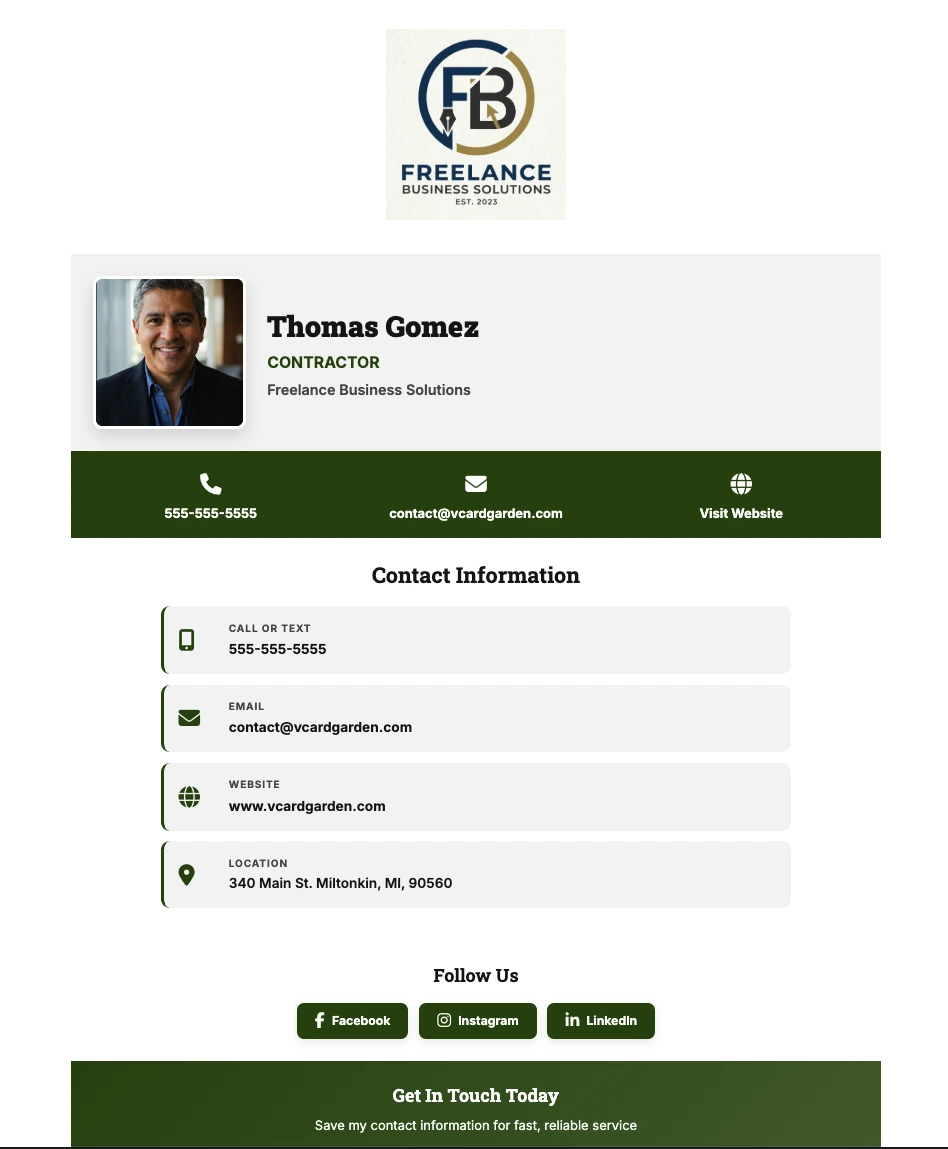
What Is a Digital Profile Page?
It's a single page — built from a form — that holds your name, photo, title, bio, contact info, and links. You share it after a real conversation, not as a marketing tool. The person opens it in their browser and taps one button to save you as a contact.
That's the difference between this and everything else. Linktree is for followers. A personal website is a project. A digital profile page is what you text someone after you shake their hand so they don't have to ask for your number again.
It comes with a QR code you can print anywhere, a .vcf contact download that works on every phone, and analytics so you know who actually looked at it.
Profile Page vs Website vs Link-in-Bio
Different tools solve different problems. Here's where a digital profile page fits.
| Digital Profile Page | Personal Website | Link-in-Bio (Linktree) | |
|---|---|---|---|
| Purpose | Share after meeting someone | Attract search traffic | Funnel social followers |
| Setup time | 2 minutes | Days to weeks | 5–10 minutes |
| Contact download | ✅ .vcf file | Rarely | ❌ No |
| QR code | ✅ Built in | Not usually | ❌ No |
| Analytics | ✅ Who viewed, when, where | Requires Google Analytics | Basic click counts |
| Works without an app | ✅ Yes | ✅ Yes | ✅ Yes |
| Designed for | Contacts | Audiences | Followers |
Websites are for Google. Link-in-bio is for Instagram. A digital profile page is for humans you just met.
How It Works
Four steps. Clean output. Works on every phone.
Name, title, bio, contact info. Three required fields — everything else optional.
Your profile publishes at vcardgarden.com/your-name. Opens in any browser.
Downloadable QR code + one-tap contact file generated automatically.
Send the link or print the QR. See who viewed, when, and from where.
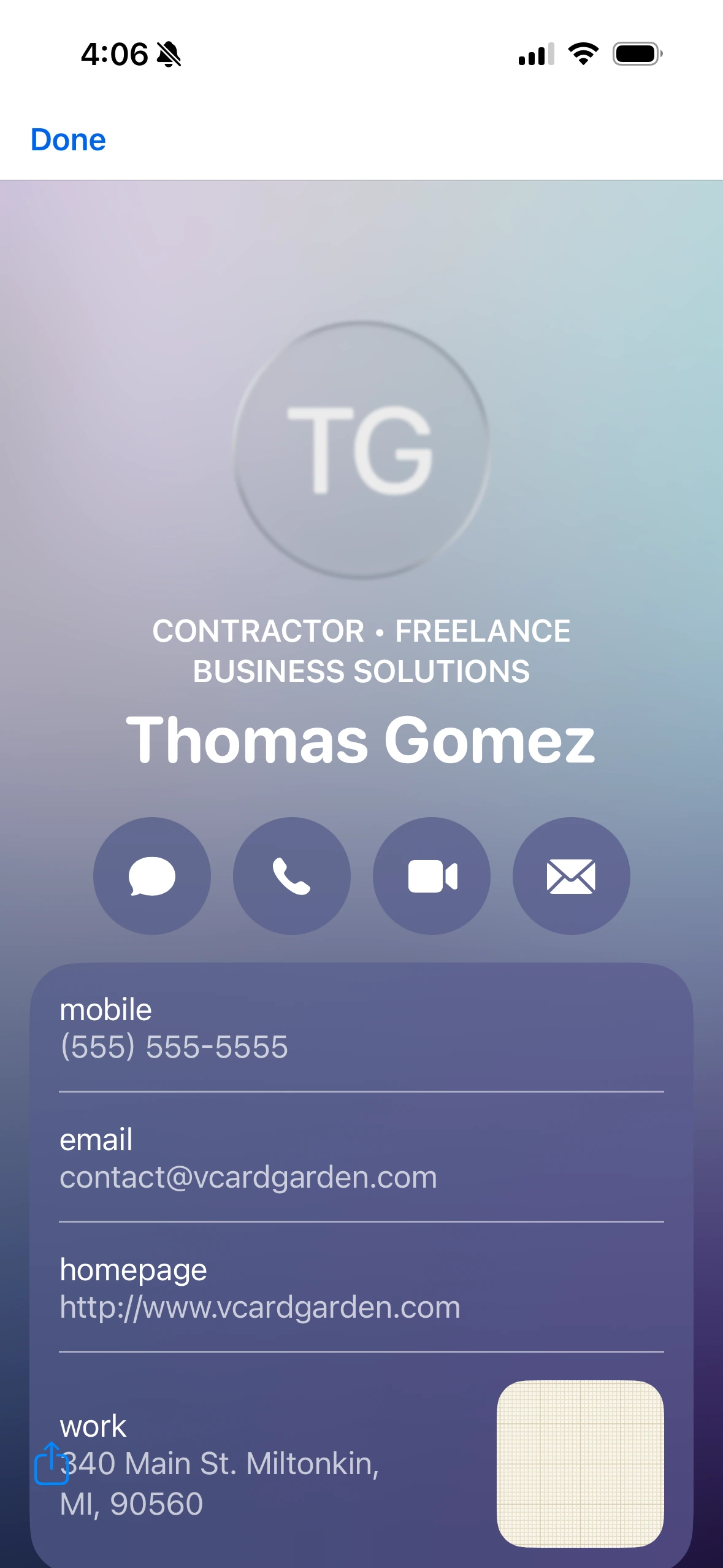
The Part Most Tools Skip: Actually Getting Saved
Most "digital card" tools stop at giving you a link. The person opens it, looks at it, closes it, and forgets about it. Sound familiar?
Every vCard Garden profile page has a Save Contact button that downloads a .vcf file — the universal contact format that every iPhone, Android phone, and email client understands. One tap and your info goes straight into their address book. No typing. No app. No account on their end.
That's the difference between "I looked at your page" and "I have your number."
One QR Code. Infinite Updates.
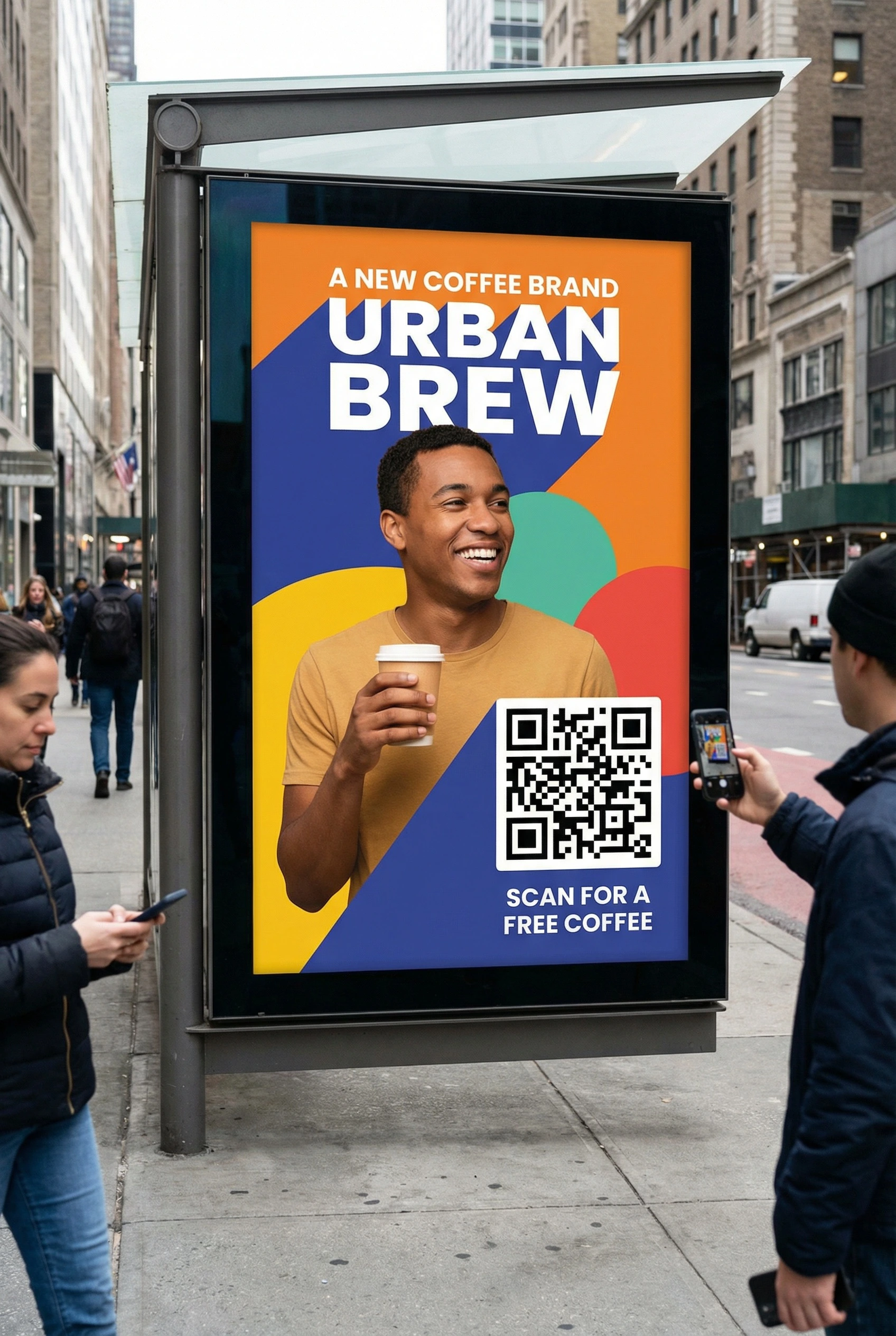
Your QR code points to your profile page URL — not to a static PDF or a phone number. Print it on business cards, yard signs, flyers, invoices, vehicle wraps, email signatures. When your info changes, the QR code still works. It just shows the updated page.
Download it as PNG, SVG, or PDF depending on where you need it. The same code works whether someone scans it from a billboard or a napkin.
Stop reprinting. Start updating.
Edit Anytime. Nothing Breaks.
New phone number. New company. New headshot. Log in, change the field, hit save. Your page updates instantly and every QR code, link, and email signature you've ever shared still points to the right place.
You never have to re-introduce yourself because your info changed. You never have to track down old materials. You never have to explain "that's my old number." The page is always current, and the URL is always the same.
Try the PreviewWho Uses a Digital Profile Page
Anyone who meets people in person and follows up online. Here's how different professionals use it:
Why Not Just Get an NFC Card?
NFC cards sound futuristic until you try using one. You tap your card on their phone and... sometimes it works. Sometimes it doesn't. Older phones don't support it. Cases block the signal. The person has to hold their phone at the right angle. And you paid $30 for the privilege.
A QR code works on every phone made in the last decade. A link works everywhere else. No hardware to buy, no compatibility to worry about, no awkward "hold your phone still" moment. And when you need to update your info, you don't need to order a new card.
Frequently Asked Questions
See What Your Profile Would Look Like
Try a preview in 2 minutes. No account, no credit card.
Plans start at $9/mo · See pricing