vCard Generator with Photo

When someone saves your contact, do they see your face — or a generic silhouette? With vCard Garden, your photo is embedded in every contact save. You show up on caller ID, in messages, and in their contact list.

Create Your vCard with Photo — Free
No credit card required · 14-day free trial
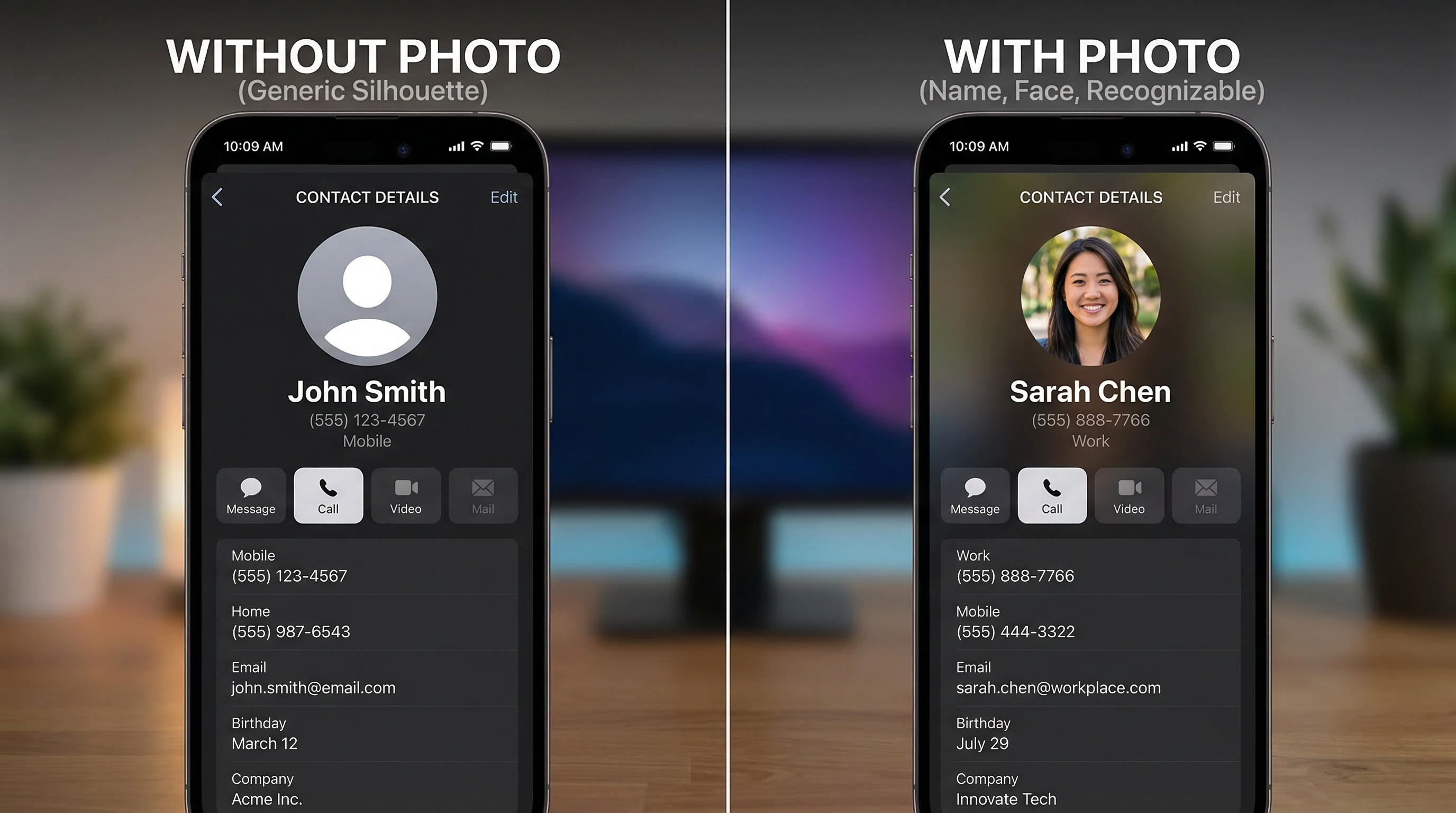
Side by side phone contacts — one without a photo showing a generic silhouette, one with a photo showing the person's face

Most digital contact cards don't include your photo

You meet someone at an event. You exchange info. Two weeks later, they scroll through their contacts looking for you — and all they see is a name next to a gray circle. If they saved three new contacts that week, they might not even remember which one is you.

A vCard with your photo changes that. Your face is right there in their contact list, on caller ID when you ring them, and in every text thread. You're not a name — you're a person they recognize.

Your face shows up when you call

When your photo is embedded in a contact, it appears on the incoming call screen. Instead of just a name and number, the person sees your face — and they're far more likely to pick up.

This works on both iPhone and Android, in the native phone app, and in most messaging apps including iMessage and WhatsApp.
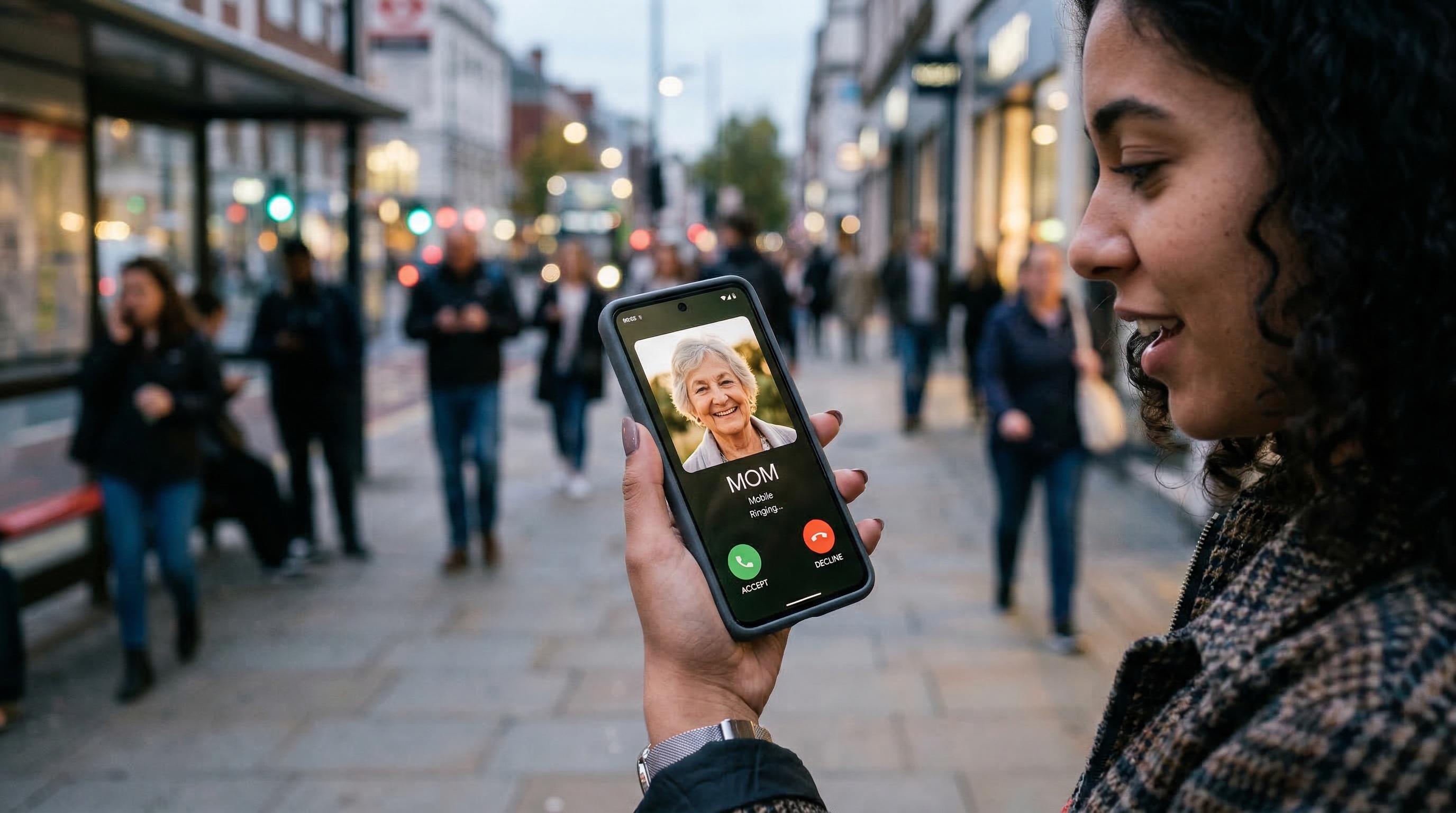
Phone ringing with contact photo displayed on the incoming call screen
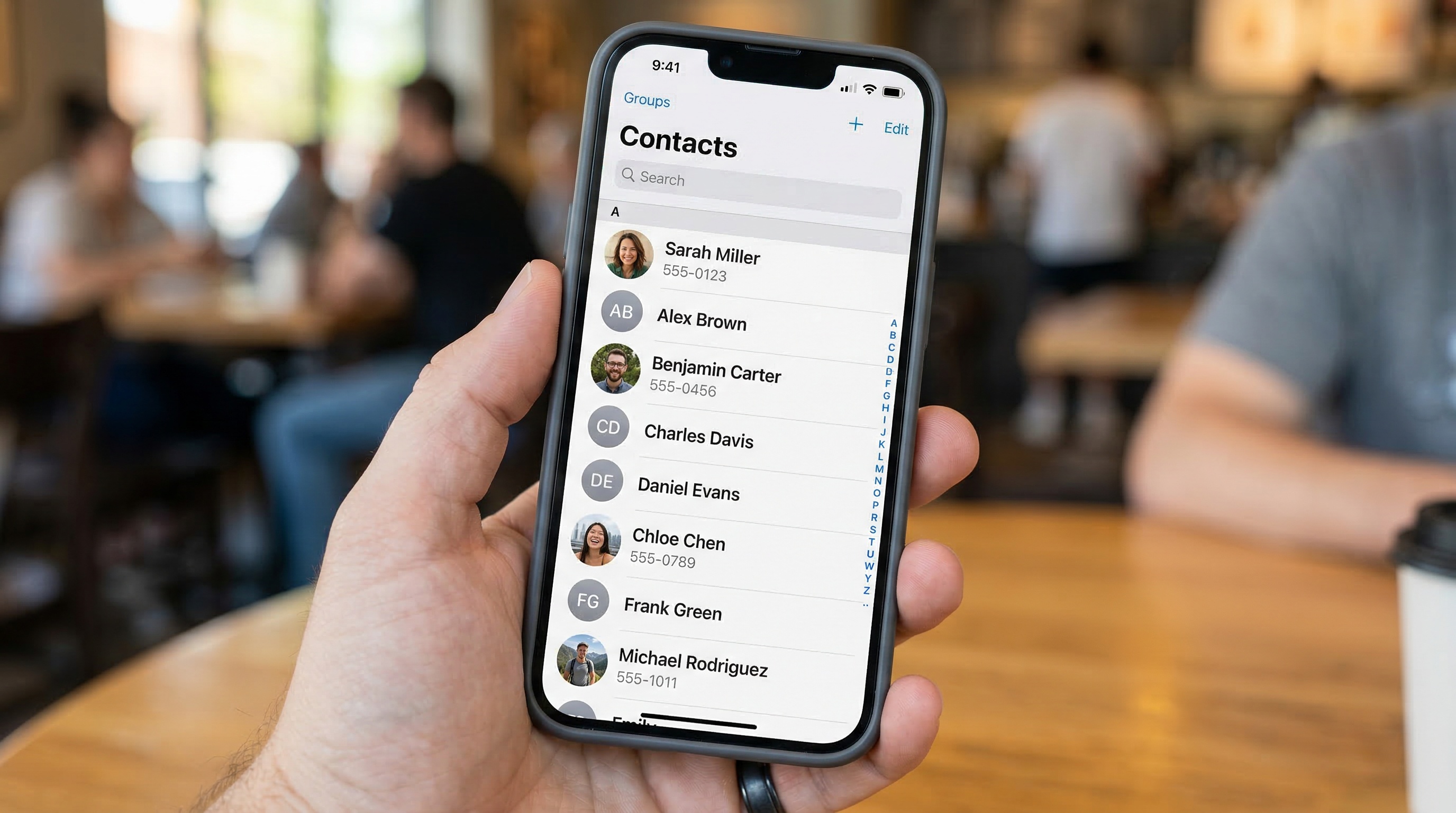
Phone contacts list showing some contacts with photos and some with generic initials

Stand out in a crowded contact list

Most contacts in someone's phone are just initials on a colored circle. The contacts with real photos visually pop — they're the ones people notice, recognize, and actually call back.

When a client scrolls through their contacts looking for "that contractor" or "that insurance agent," your photo makes you findable in seconds.

vCard Garden digital business card showing headshot, company logo, contact info, and services

Your photo lives on your vCard page — and in the saved contact

When you create a vCard with vCard Garden, your photo does double duty:

📱 On your web page
Visitors see your face immediately when they visit your vCard Garden page. Professional, personal, recognizable.
💾 In the saved contact
When someone taps Save Contact, your photo is embedded in the .vcf file. It imports directly into their phone contacts — iPhone and Android.
📞 On caller ID
Your photo shows up when you call or text them. You're not just a number — you're a face they know.
🔄 Updatable anytime
New headshot? Upload it and your page updates immediately. New contacts get the updated photo going forward.

How to create a vCard with photo

No coding, no design work. Set up in about 10 minutes.

1. Enter your info
Name, title, phone, email, company, bio — everything you want on your card.
2. Upload your photo
Add a professional headshot. We optimize it automatically for web display and contact file embedding.
3. Go live
Your page is live at vcardgarden.com/your-name. Download your QR code and start sharing.
4. They save — with your photo
When visitors tap Save Contact, your photo is embedded in the file. It shows up in their contacts, caller ID, and messages.

Photo tips for the best results

Your photo will appear as a small thumbnail in contact lists and a larger image on caller ID. Here's what works best:

✓ Use a headshot
Face clearly visible, shoulders up. This is how people will recognize you.
✓ Square crop
Square photos display best in contact app thumbnails on both iPhone and Android.
✓ Good lighting
Well-lit face, no harsh shadows. Natural light or professional lighting works best.
✓ Simple background
Solid colors or clean backgrounds. Busy backgrounds get lost at thumbnail size.
✓ Recent photo
Use a current image so people actually recognize you when you meet again.
✓ Professional look
Dress as you would for work. This photo represents you to every contact who saves it.

Works on every device

Your photo is embedded directly in the .vcf contact file using the vCard 3.0 standard. It's compatible with:

iPhone
Contacts & caller ID
Android
Contacts & messaging
Outlook
Contact cards
Gmail
Google Contacts

Pricing

Start free for 14 days. After that, plans start at $9/month.

Starter
$9/mo
  • Up to 5 pages
  • Photo in vCard + caller ID
  • QR code + Save Contact
  • Company logo upload
  • Basic analytics
Pro Most Popular
$19/mo
  • Up to 25 pages
  • Everything in Starter
  • Export analytics to CSV
Business
$29/mo
  • Up to 50 pages
  • Everything in Pro

Frequently asked questions

Does the photo actually show up in their phone contacts?
Yes. When someone saves your vCard, your photo is embedded in the contact file. It appears in their contact list, on caller ID when you call, and in messaging apps — on both iPhone and Android.
What kind of photo should I use?
A professional headshot works best — face clearly visible, good lighting, simple background. Square photos look best in contact app thumbnails.
Can I change my photo later?
Yes. Log in, upload a new photo, and your page updates immediately. New contacts who save your vCard going forward will get the updated photo.
Does the person saving my contact need an app?
No. Your vCard page opens in their browser. They tap Save Contact and your info — including your photo — downloads directly to their phone. No app required.
What file format is the photo?
Your photo is automatically optimized as a JPEG and embedded directly in the .vcf contact file using the vCard 3.0 standard. It's compatible with all major contact apps and email clients.
Is there a free trial?
Yes — 14 days free, up to 3 pages, no credit card required.

Related pages

Put your face in every contact save

Create your vCard with photo in 10 minutes. Show up on caller ID, in contact lists, and in every text thread — not as a gray silhouette.

Create Your vCard with Photo — Free →
No credit card required · Cancel anytime