Free vCard QR Code Generator
Enter your contact details below and get a QR code that drops you straight into someone's phone. PNG, SVG and VCF, instantly.
✓ Free, no signup ✓ Built in your browser ✓ Nothing stored
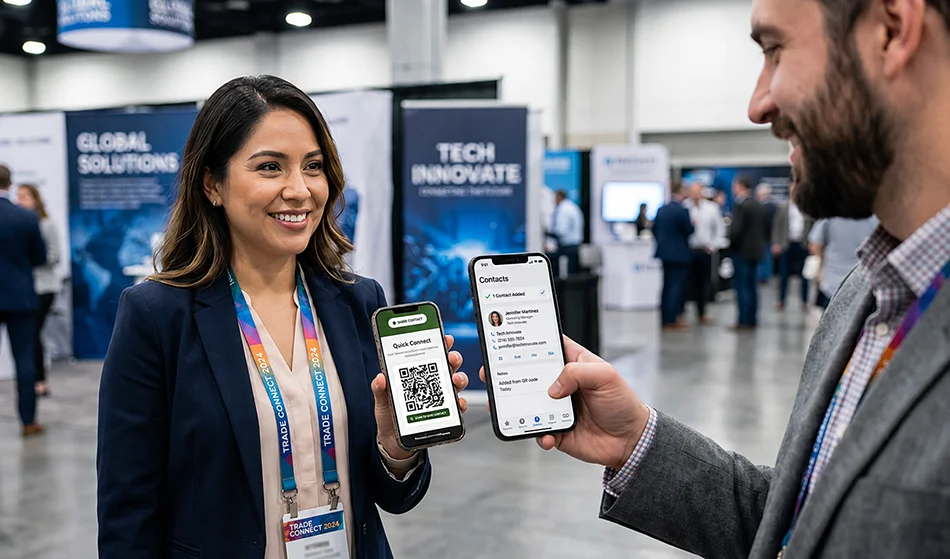
Generate Your vCard QR Code
Need to change your details after you've printed it?
The QR code above is static. Your name, number and email are baked into the pattern itself, so the day your phone number changes, every code you printed is wrong and there is nothing you can do except reprint them. A vCard Garden code points at a page instead — you edit the page, and the printed code keeps working.
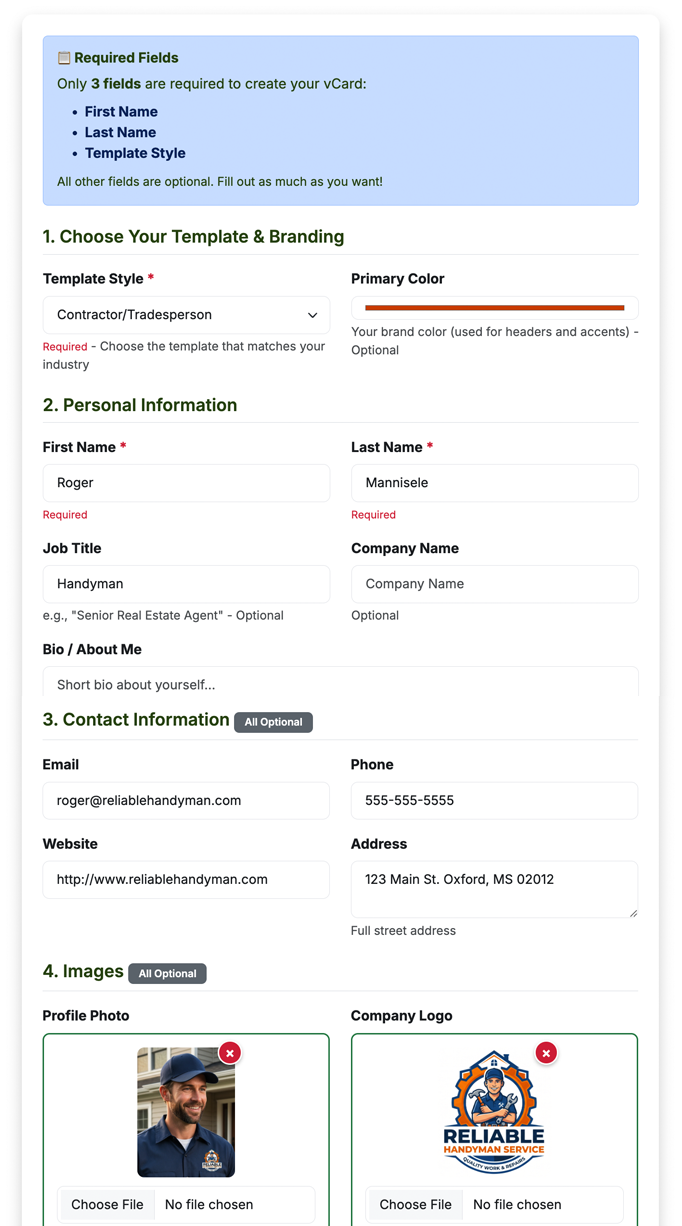
You edit this, any time
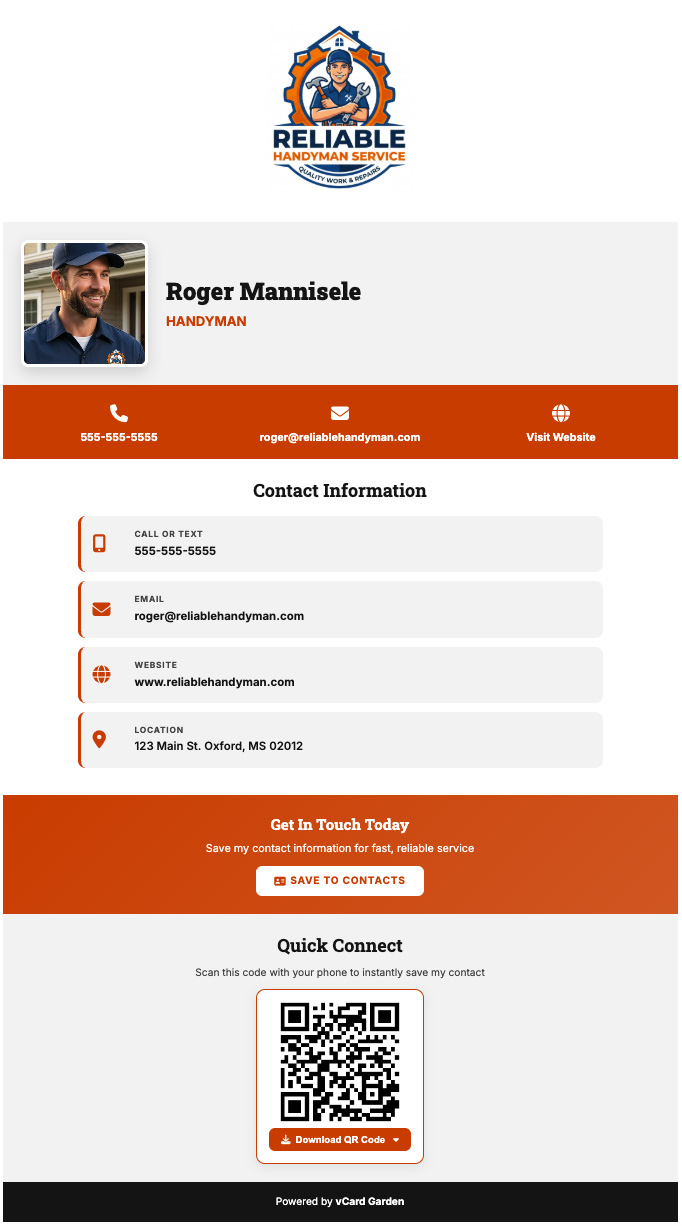
The printed code keeps pointing here
How a vCard QR Code Works
A vCard QR code holds a small text file called a vCard, in the same VCF format your phone already uses for contacts. When a camera reads the code, the phone recognises the format and offers to create a new contact from it.
The text inside looks like this:
VERSION:3.0
N:Rivera;Jane;;;
FN:Jane Rivera
ORG:Rivera Realty
TEL;TYPE=CELL:+15551234567
EMAIL;TYPE=INTERNET:[email protected]
END:VCARD
No internet connection is needed to read it. The contact details are inside the pattern, which is also why the code can never be changed once it's printed.
What Information Can a vCard QR Code Save?
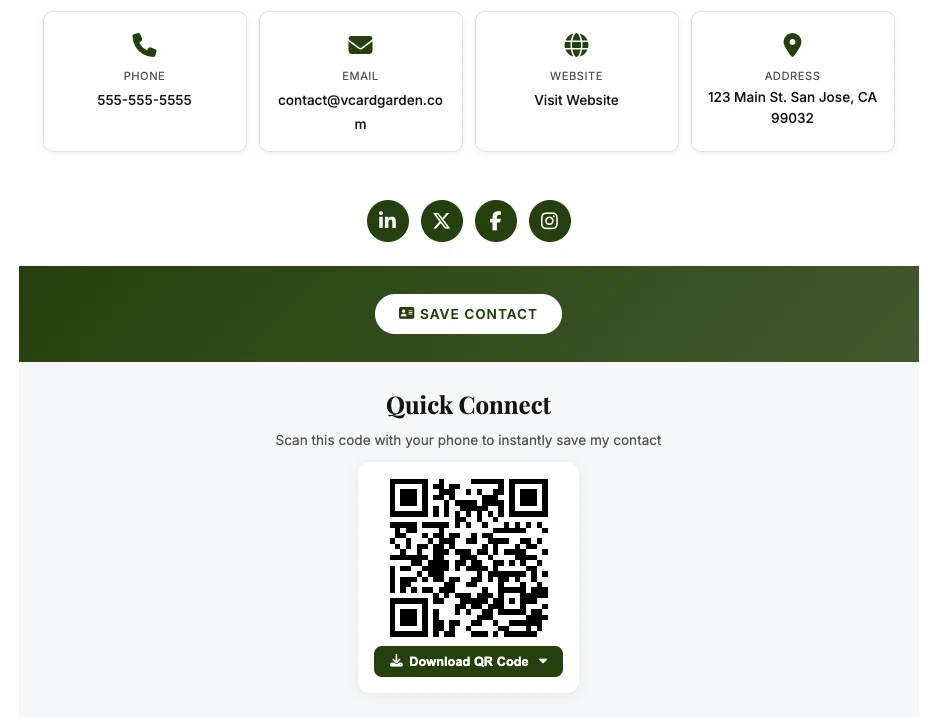
The generator above covers the fields that phones import reliably.
Name and job
First and last name, company and job title. The name is the only genuinely required part — everything else is optional.
Phone, email, website
A mobile number, an email address and a URL. These are the three fields people actually use after scanning.
Mailing address
Street, city, state, postal code and country. Optional, and it does make the code denser — skip it if you're printing small.
Not a photo
A headshot is thousands of times larger than a QR code can hold. Any tool claiming to put a photo in a static code is putting a link in it instead.
Not social links
You can technically add URLs, but each one makes the pattern denser and harder to scan. Those belong on a page.
Not a bio
Long text blows past the capacity of a scannable code. Keep a static vCard to the details someone needs to reach you.
Static vs Editable vCard QR Codes
Both start with a scan. They differ in what happens six months later.
| Static QR code (this tool) | vCard Garden page | |
|---|---|---|
| Cost | Free, forever | From $9/month |
| Works offline | Yes | No — the page needs a connection |
| Change details later | No — reprint everything | Yes — the printed code still works |
| Photo and logo | No | Yes, on the page and in the saved contact |
| Social links | Not practical | Yes |
| Track page visits | No | Yes |
If your details are settled and you just need a code on a sign, the free one above is the right answer. If anything about your contact details is likely to change, print a code that points at a page.
Where to Use a vCard QR Code
On a business card
Print it on the back. People scan it instead of typing your number in wrong, and your card doesn't end up in a drawer.
In an email signature
Drop the PNG in. Anyone reading on a laptop can scan it with their phone and have you saved in two seconds.
On a yard sign or vehicle
Use the SVG so it stays sharp at any size. Print it large — people scan these from several feet away.
On a conference badge
Faster than swapping cards and nobody has to remember which pocket yours went in.
On an invoice or quote
Clients who want to call you back later can find you without digging through their email.
On a shop window
Works when you're closed. Someone walking past can save your details and call in the morning.
iPhone and Android compatibility
iPhone — iOS 11 and later. Open the Camera app, point it at the code, tap the banner, then tap Create New Contact.
Android — Android 9 and later read QR codes in the camera app. Older phones can use Google Lens.
Both import the vCard 3.0 format this tool produces. The .vcf download works with Google Contacts, Apple Contacts and Outlook.
Is this private?
Yes. The QR code is built in your browser with JavaScript. Your name, phone number and email are never sent to a server, never logged and never stored. Close the tab and it's gone.
Worth knowing the other way round too: anything you put in a QR code is readable by anyone who scans it. Only include details you're happy to hand out.
Frequently Asked Questions
Related Tools & Pages
- VCF File Generator — build the contact file without a QR code
- vCard QR Code with Photo — why a photo needs a hosted page
- vCard Generator with Photo
- Save Contact QR Code
- Share Contact Info with QR Code
- Put All Your Contact Information in One Link
- Digital Business Cards
- QR Code Reader
Print once. Change your details as often as you like.
A static code freezes your contact details the moment you download it. A vCard Garden page keeps the same printed code pointing at details you can edit any time — with your photo, your logo and your links on it.
Try It Free — No Signup to Preview →