Free VCF File Generator
Generate and download .vcf contact files instantly. Works with iPhone, Android, Outlook, and Gmail.
Want More Than a File?
A VCF is static. A vCard Garden page is a live link with QR code, one-tap contact save, analytics, and instant updates.
Try It Free — No Signup →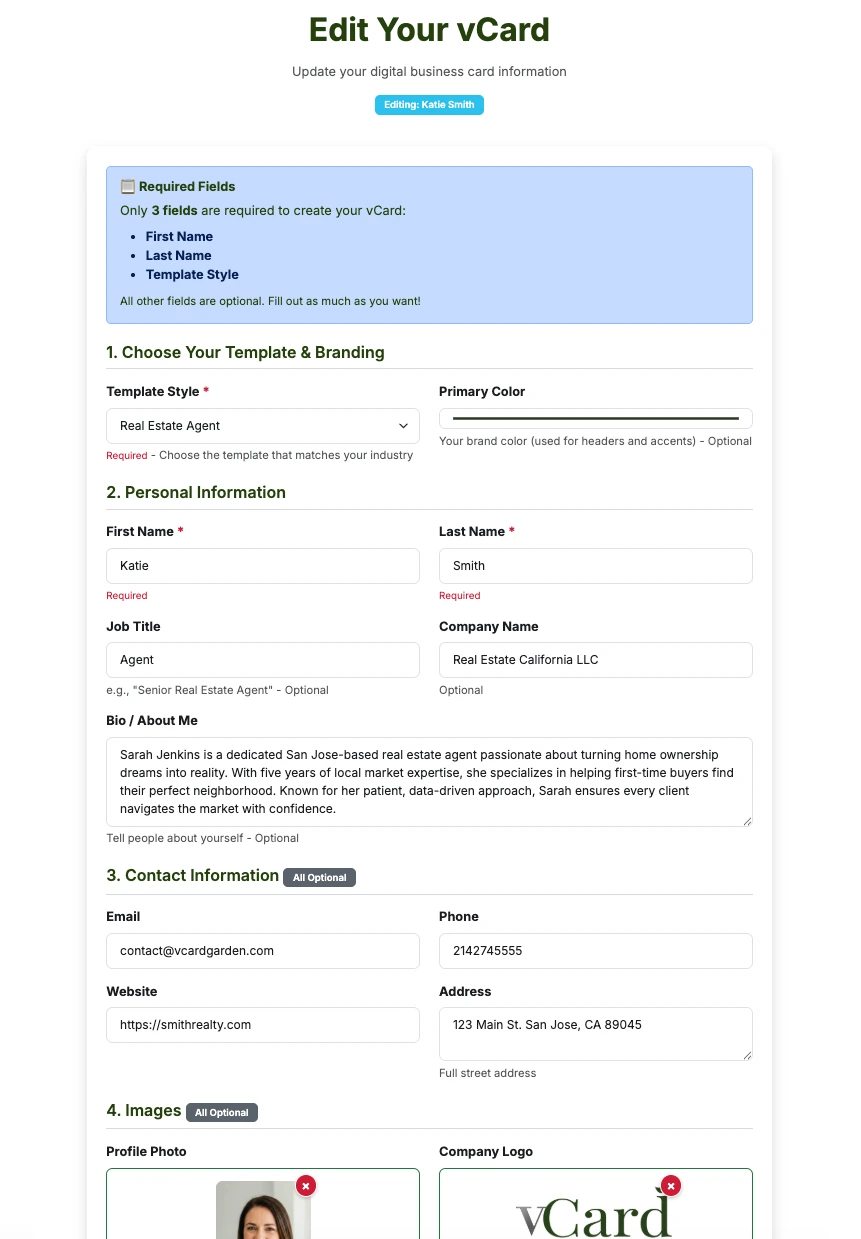
Fill out a form
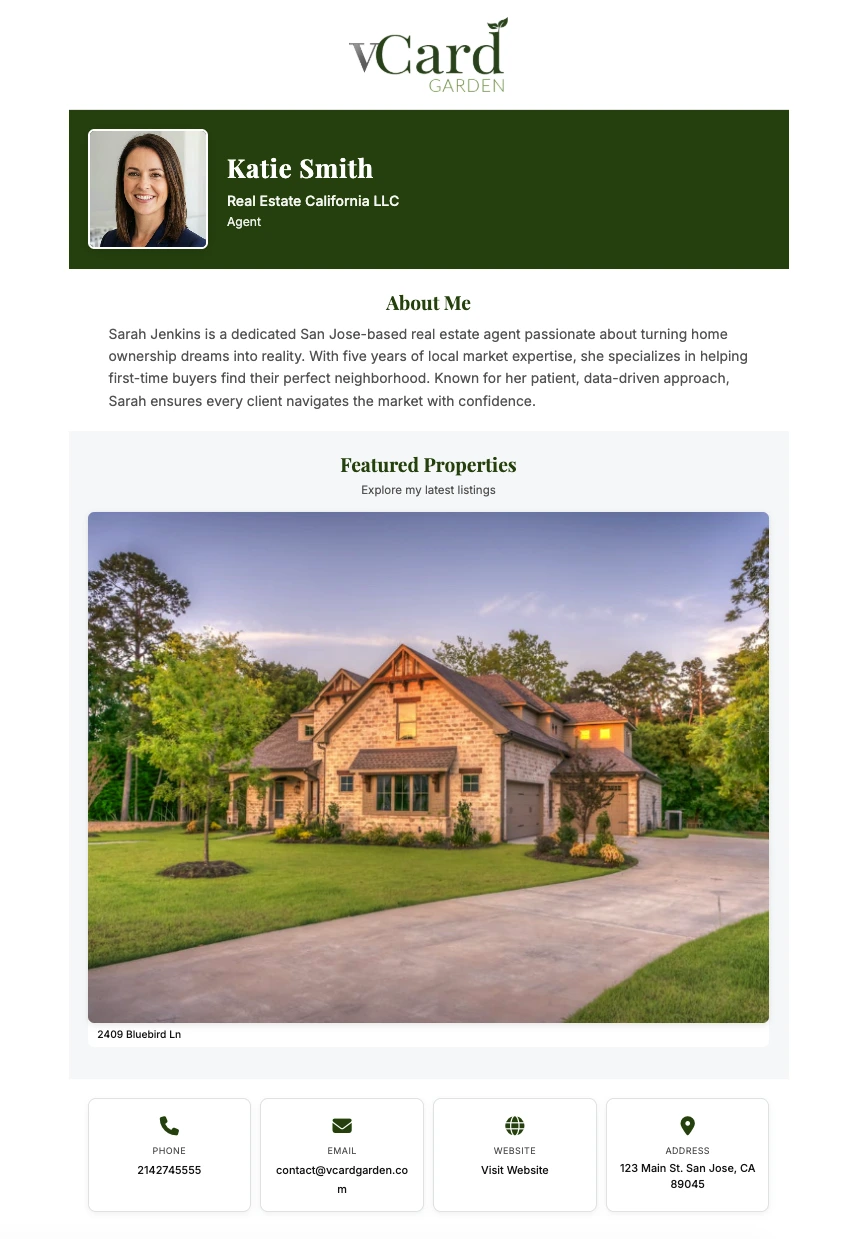
Get a pro page
VCF File vs Digital Business Card
A VCF file is a one-time download. If your info changes, everyone has outdated data. A digital business card is a live link — update once, everyone sees the new info.
| Feature | VCF File | vCard Garden Page |
|---|---|---|
| Cost | Free | Free trial, then $9/mo |
| Updates | Must resend new file | Updates automatically |
| Analytics | No tracking | View counts, device info |
| Design | Plain text format | Beautiful templates |
| QR Code | Not included | ✅ Included free |
| Sharing | File attachment | Link, QR code, or embed |
| Contact download | Manual import | One-tap save to phone |
What is a VCF File?
A VCF (vCard File or Virtual Contact File) is the standard file format for storing and sharing contact information. When someone opens a .vcf file on their phone or computer, it automatically prompts them to save the contact to their address book.
VCF files work on iPhone and Android phones, Outlook, Apple Mail, Gmail, Windows and Mac contacts apps, and most CRM and contact management tools.
What Are VCF Files Used For?
VCF files are used to share contact information digitally across all devices and platforms. The most common uses include attaching your .vcf file to email signatures, sending through messaging apps like iMessage or WhatsApp, creating QR codes that download the file when scanned, letting website visitors download your contact info, exporting contacts from your phone or CRM, and backing up your contacts.
Want a printable code instead of a file? Our free vCard QR code generator puts the same contact details into a QR code that saves straight to a phone when scanned.
VCF File Compatibility
VCF files generated with our tool are compatible with every major platform and contact app:
- Apple: iPhone Contacts, Mac Contacts, iCloud
- Google: Gmail Contacts, Android Contacts
- Microsoft: Outlook, Windows Contacts
- Other: Thunderbird, Yahoo, and any vCard-compatible app
What is a VCF File in Android?
In Android, a VCF file is used to import and export contacts. When you open a .vcf file on an Android phone, it prompts you to add the contact to your phone's address book. You can also export all your Android contacts as a single VCF file for backups, import VCF files from email attachments, and transfer contacts between devices.
How to open VCF files on Android: Simply tap the .vcf file attachment or download, and your Android phone will automatically detect it and offer to import the contact.
VCF Fields Supported
This generator creates a standard vCard 3.0 file with first and last name (both formatted and structured), company, job title, mobile phone, work phone, email address, website URL, and a full postal address — street, city, state, ZIP and country.
Every one of those fields maps to a real vCard property, so the file imports cleanly into iPhone Contacts, Google Contacts, Outlook and anything else that reads the vCard standard.
VCF File Format
A VCF file uses a simple text-based format. Here's what a basic one looks like:
BEGIN:VCARD
VERSION:3.0
FN:John Smith
N:Smith;John;;;
ORG:ABC Company
TITLE:Sales Manager
TEL;TYPE=CELL:+1-555-123-4567
EMAIL:[email protected]
URL:https://example.com
END:VCARD
Our VCF file generator creates this format automatically — you just fill in the fields.
Frequently Asked Questions
Need More Than a VCF File?
Build a professional digital business card with a QR code, analytics, and instant updates. Try it free.
Related Articles
Your VCF file is downloading
Here's how to get it onto your phone.
- On your phone, tap the downloaded file and choose Add to Contacts.
- On a computer, sign in at iCloud.com, open Contacts, and use the sidebar menu → Import vCard.
- Go to contacts.google.com and click Import.
- Select the .vcf file and confirm. It syncs to any Android phone on that account.
- Double-click the .vcf file — Outlook opens it as a contact card, then Save & Close.
- For a whole list of contacts, load the file into Google Contacts or iCloud first.
- Double-click the file, or open Contacts and choose File → Import.
Need to make a lot of these at once? Use the Excel to VCF converter instead — it turns a whole spreadsheet into one file.
It's already out of date the moment anything changes
A .vcf is a snapshot. Change your number, switch companies, or add a new email, and every copy you've ever sent is wrong — and there's no way to fix the ones already sitting in other people's phones.
A vCard Garden page is a link and a QR code instead. People scan it, tap Save Contact, and you're in their phone with your photo. Update your details later and the same link and the same printed code keep working.
Build yours free — no signup to preview →Takes about two minutes. No credit card.