vCard Garden
Never Lose a Connection Again.
Create a digital business card with a custom QR code. Let clients download your VCF contact instantly—no app required, no typing, and no lost paper cards.
No credit card required · Setup takes 2 minutes

What it is
What Is a Digital Business Card?
A mobile web page — not an app
A digital business card is a page on the web with your name, photo, company, contact details, social links, and a Save Contact button. Anyone with a phone can open it in their browser instantly — no download, no signup on their end.
One tap and they have your number
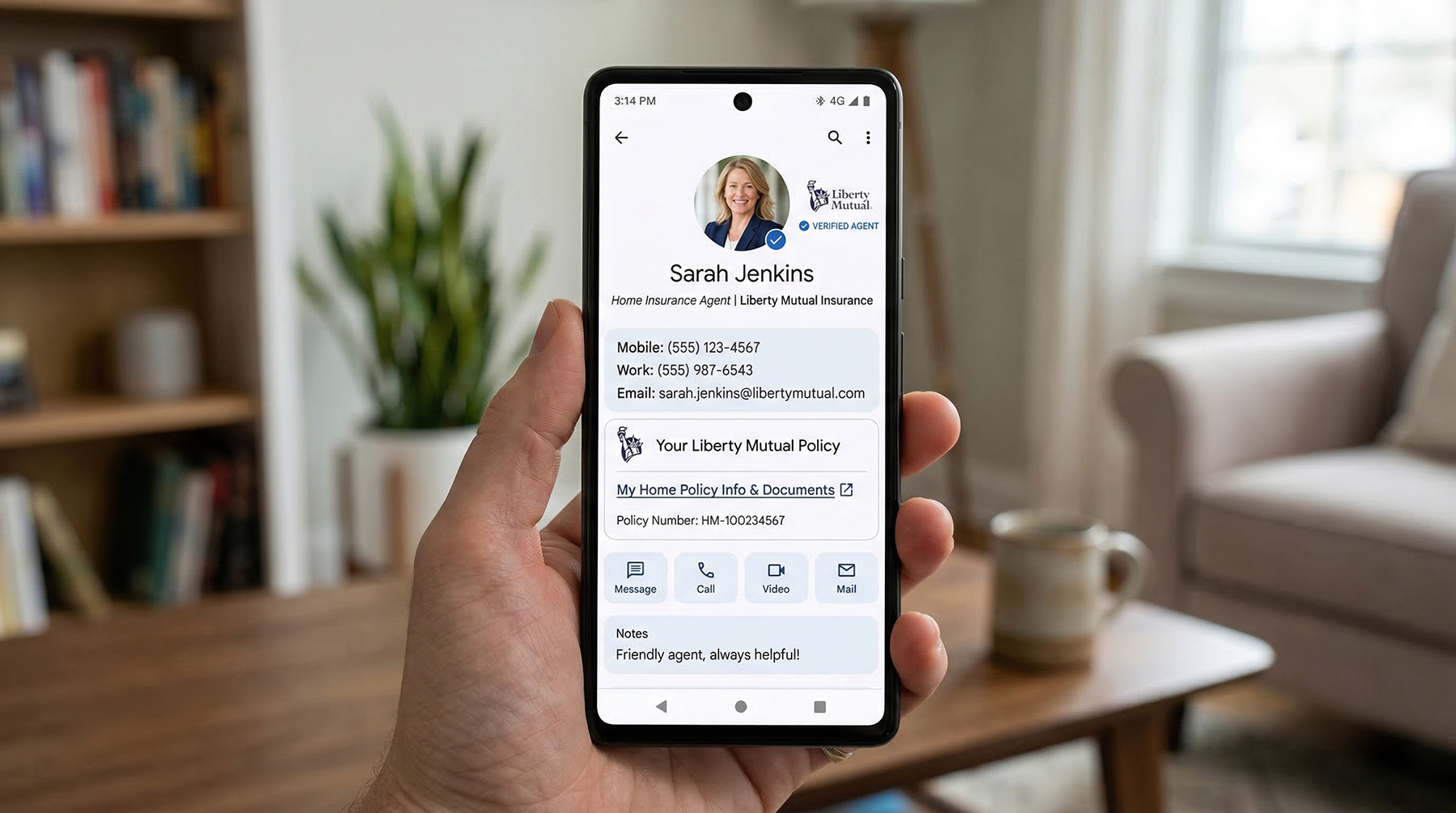
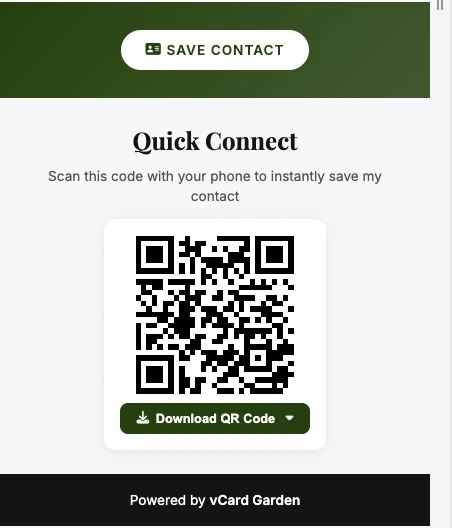
When someone scans your QR code or taps your link, they land on your page and save your contact with one tap. Your name, number, email, and company go straight into their phone.
Always up to date
Edit your info anytime and it updates instantly. Every QR code and link you've shared automatically shows your latest details — nothing breaks.
This is the fastest way to share your contact in person, at events, or anywhere a quick scan or link makes sense.
Why it works
Why Digital Business Cards Work Better Than Paper
Paper cards get lost. Digital cards get saved.
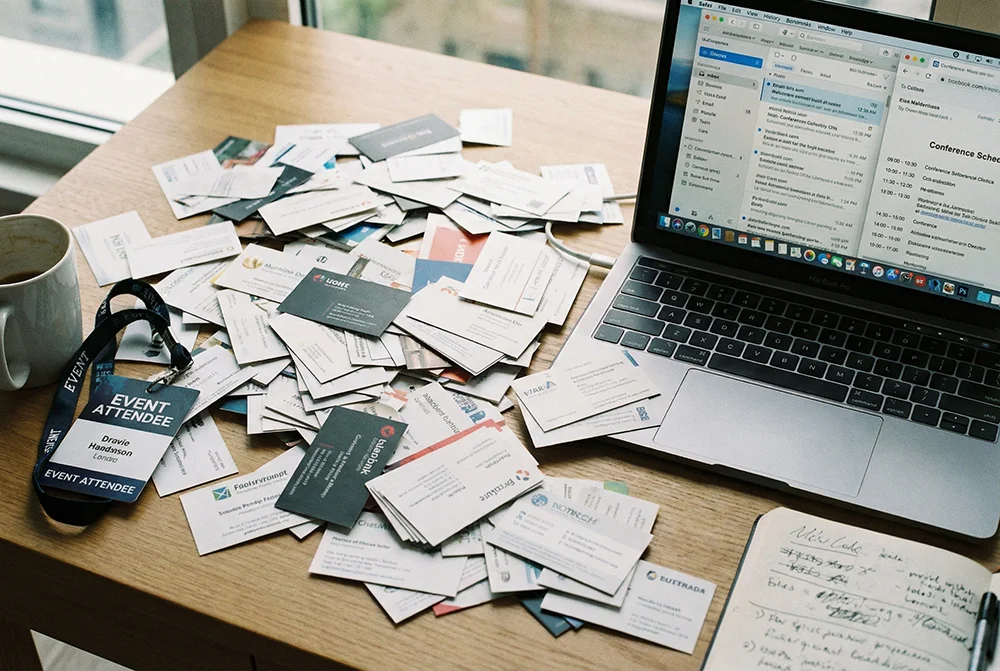
Most paper cards end up in pockets or trash. A digital card goes directly into someone's phone contacts with one tap.
Your info changes. Your card shouldn't break.
New number, new company, new email — update your page once and every QR code you've ever printed automatically shows the new info. No reprinting.
Paper tells you nothing. Digital shows you everything.
See who viewed your card, when, what city they're in, and what device they used. Paper gives you zero data.
Paper costs money every time. Digital costs nothing to update.
A box of cards costs $30–50 and becomes outdated. One digital card works forever and updates instantly.
Setup
How Digital Business Cards Work
1. Create your page
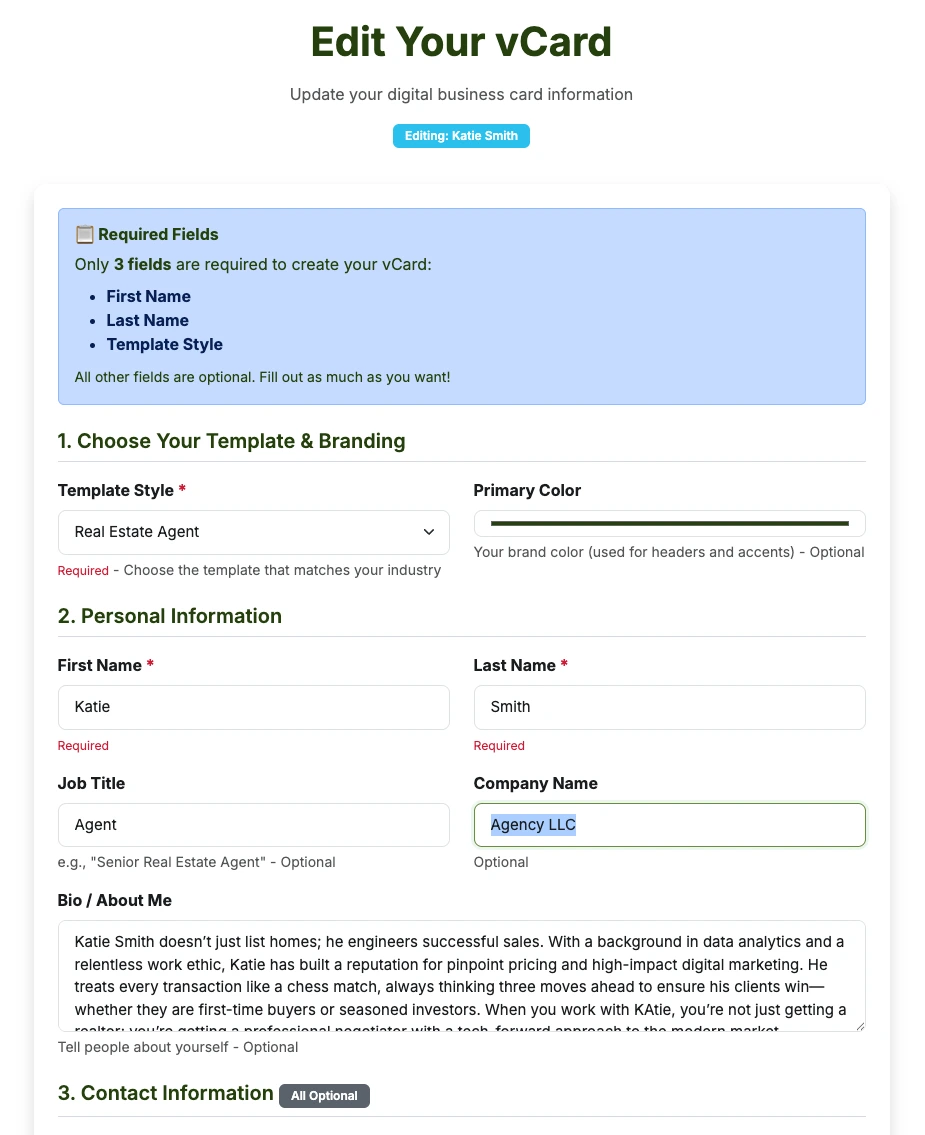
Fill in your name, photo, contact info, bio, and social links. Choose a template built for your industry.
2. Get your QR code and link
Your card gets a unique URL and QR code. Download it as PNG, or SVG — use it anywhere.
3. Share it
Put your QR code on paper cards, signs, flyers, or your email signature. Or just text the link directly.
4. They scan, they save
The person scans or taps your link. Your page opens in their browser. One tap saves your contact to their phone.
5. Update anytime
Log in, change a field, hit save. Your page updates instantly. Everything you've already shared still works.
Features
What You Get With a Digital Business Card
- A mobile web page with your photo, name, title, company, bio, and contact info
- A QR code downloadable as PNG or SVG
- One-tap Save Contact button — downloads a .vcf file to their phone
- Analytics showing views, locations, devices, and times
- Five industry-specific templates — real estate, coaching, freelance, contracting, small business
- Editable anytime — your QR code never changes
- Works in any browser on any phone — no app required
Built For Your Industry
Choose a template designed specifically for your profession—featuring the exact fields and layouts you need.
Also see: Save Contact QR Code · vCard QR Code with Photo · Share Contact Info with QR Code
Frequently Asked Questions
Try It Free — No Account Needed
Build a preview in 2 minutes and see exactly what your digital business card looks like.
Plans start at $9/mo · See pricing