Put All Your Contact Information in One Link
Create a simple webpage for your contact information and share it with one link. Add your phone number, email, photo, website, social profiles and more. Anyone who opens your contact page can view your details or save your contact information directly to their phone. No website or app required.
No signup to build one and see it. No credit card for the trial.
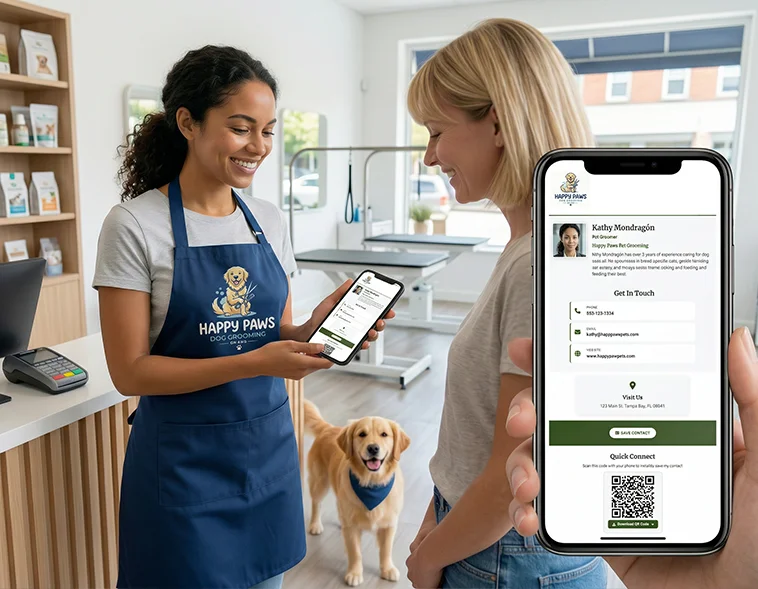
One address that holds everything about how to reach you
Most people's contact details are scattered. The phone number lives in an email signature, the address is on a different page, the social profiles are wherever someone happens to find them. When somebody asks how to get hold of you, you end up typing the same four lines again.
A contact link replaces all of that with one web address. Everything sits on a single page: who you are, what you do, every way to reach you, and a button that puts you in their phone. You send the link. They do the rest.
Because it's a page rather than a message, it isn't frozen the way a pasted phone number is. Change jobs, change numbers, add a new profile — the link never changes, and everyone who opens it sees the current version.
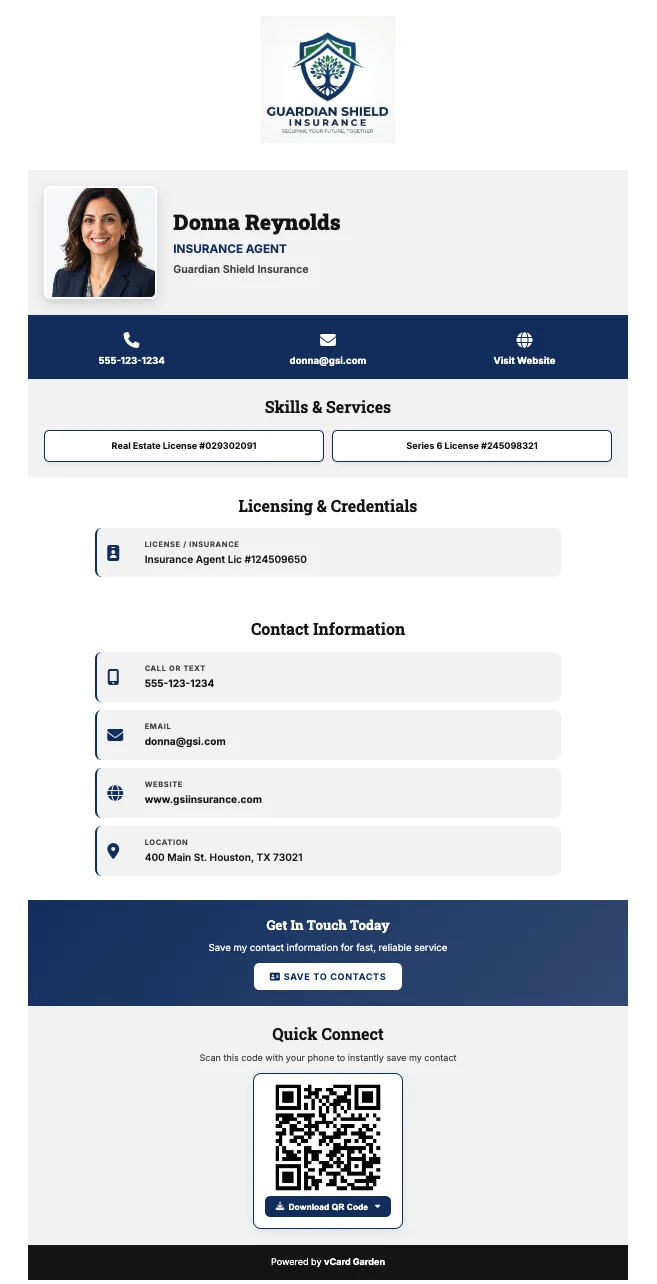
What can you put on your contact page?
Everything someone would otherwise have to ask you for — and a few things they'd never think to ask for but are glad to have.
Your photo
A headshot at full size, so people put a face to the name before they've met you.
Name, job title and company
Plus your company logo, so the page looks like it belongs to your business.
Phone numbers
Mobile and work, each tappable — one press to call from the page.
Email and website
Both live links, so nobody has to retype an address into a browser bar.
Address and service area
Where you are, or the towns you cover if you go to the customer instead.
Social profiles
LinkedIn, Instagram, Facebook and the rest, as buttons rather than pasted URLs.
A short bio
A few lines on what you do and who you do it for.
Credentials
License number, certifications, years in business, languages spoken — the details that decide whether a stranger trusts you.
Let people save your contact information to their phone
This is the part a plain webpage can't do. Instead of asking someone to manually enter your phone number, send them your contact link. They open your page and save your contact information directly to their contacts.
They open your link
In whatever browser is already on their phone. No app, no account, nothing to install.
They tap Save Contact
One button at the top of the page. Their phone opens its own new-contact screen, already filled in.
You're in their phone, with your face on it
Your headshot is embedded in the contact itself, not just shown on the page — so when you call, they see you. Works on iPhone and Android.
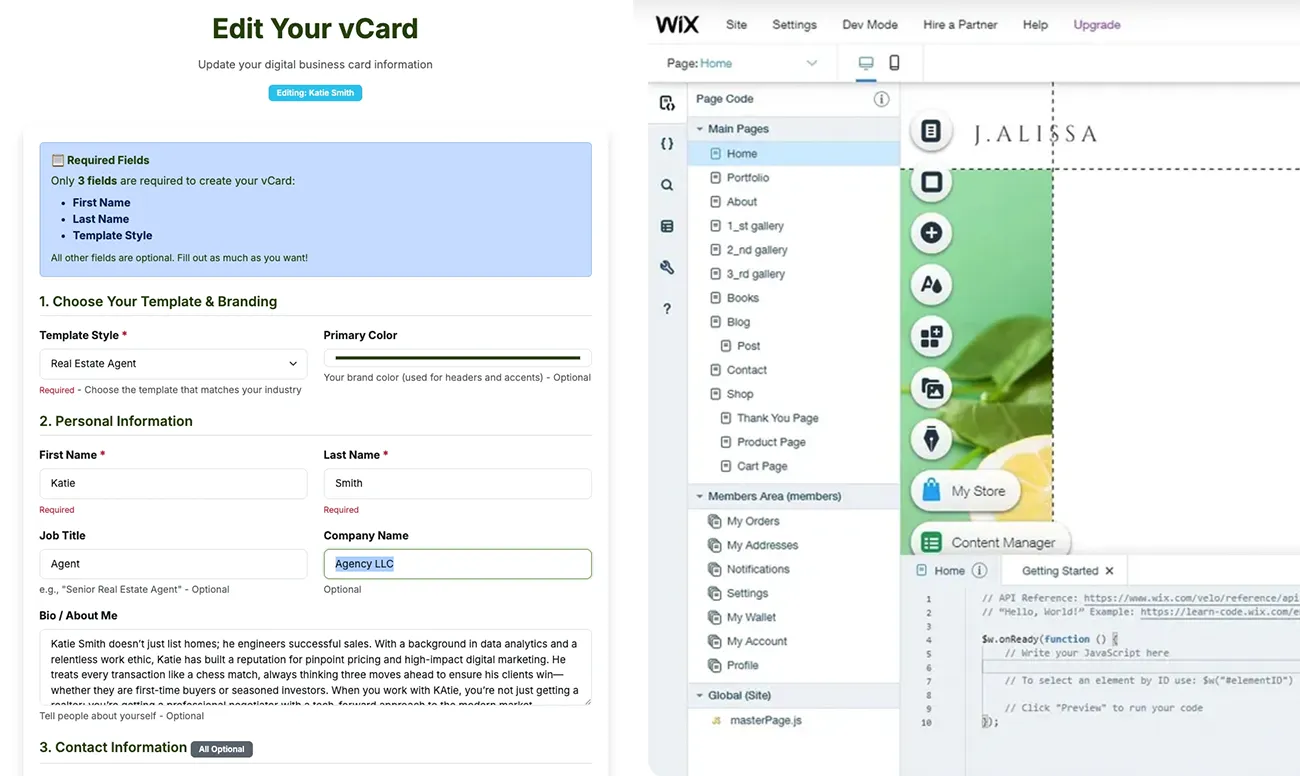
Create a contact page without building a website
Plenty of people don't need a website. They need somewhere to send people. Buying a domain, picking a template, arranging sections, and then maintaining all of it is a large answer to a small question.
There's no domain to register and no hosting to set up. You fill in a form with your details, upload a photo, and your page is live at its own address. Most people are finished in about two minutes.
And if you already have a website, this doesn't replace it. Your contact page links straight to it — it's the thing you hand someone when a full site is more than the moment calls for.
Use your contact link instead of a business card
A paper card has one job: get your details into someone's phone. It's just bad at it. It has to be carried, then found, then typed in by hand — and most of them are in a bin or a drawer by the end of the week.
Nothing to type
One tap instead of eleven fields entered by thumb, with a typo in the phone number.
Nothing to run out of
You can't leave your link at the office or hand out the last one.
Nothing to reprint
New number, new title, new company — edit the page. The link is the same one you always had.
Most people who switch don't throw the cards away. They put a QR code on the back of the card and let it do the typing.
Share your contact information with a QR code
A link is easy to send in a message. In person it's useless — nobody wants to spell out a web address across a table.
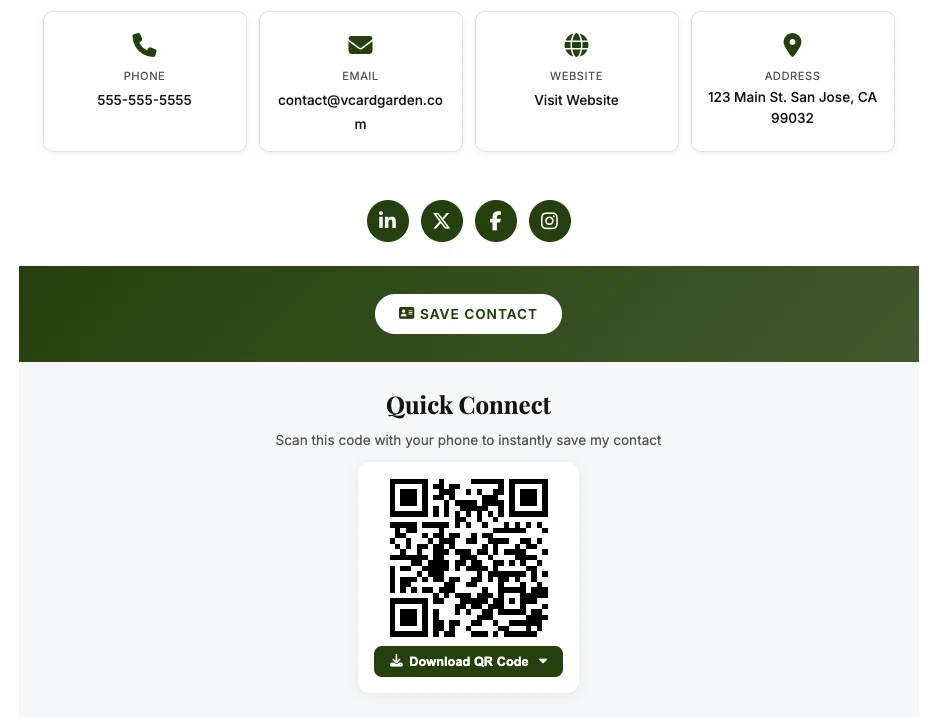
Every contact page comes with a QR code that opens it. They point their camera, your page opens, they tap Save Contact. Three seconds, no typing, and they walk away with your details already in their phone.
Because the code points at your page rather than storing your details inside itself, it doesn't go stale. Codes you printed a year ago still open the current version of your page.
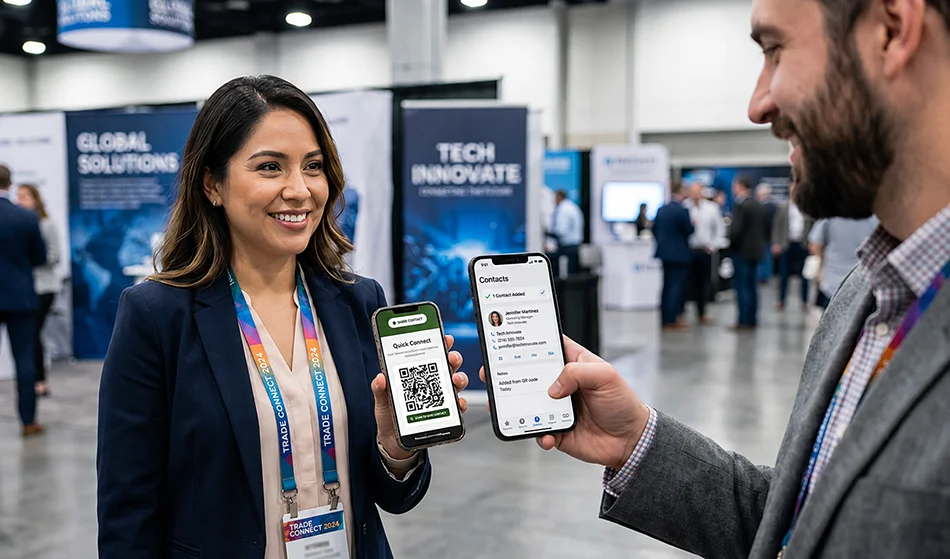
Where can you share your contact link?
Anywhere you currently write out your details. As a link on a screen, as a QR code on anything printed.
Email signature
One line replacing five, and every email you've ever sent points at current details.
Text messages
The natural answer to "can you send me your info?" — one link instead of a wall of text.
Social bios
The link slot on Instagram, LinkedIn, Facebook or X, pointing somewhere that actually leads to you.
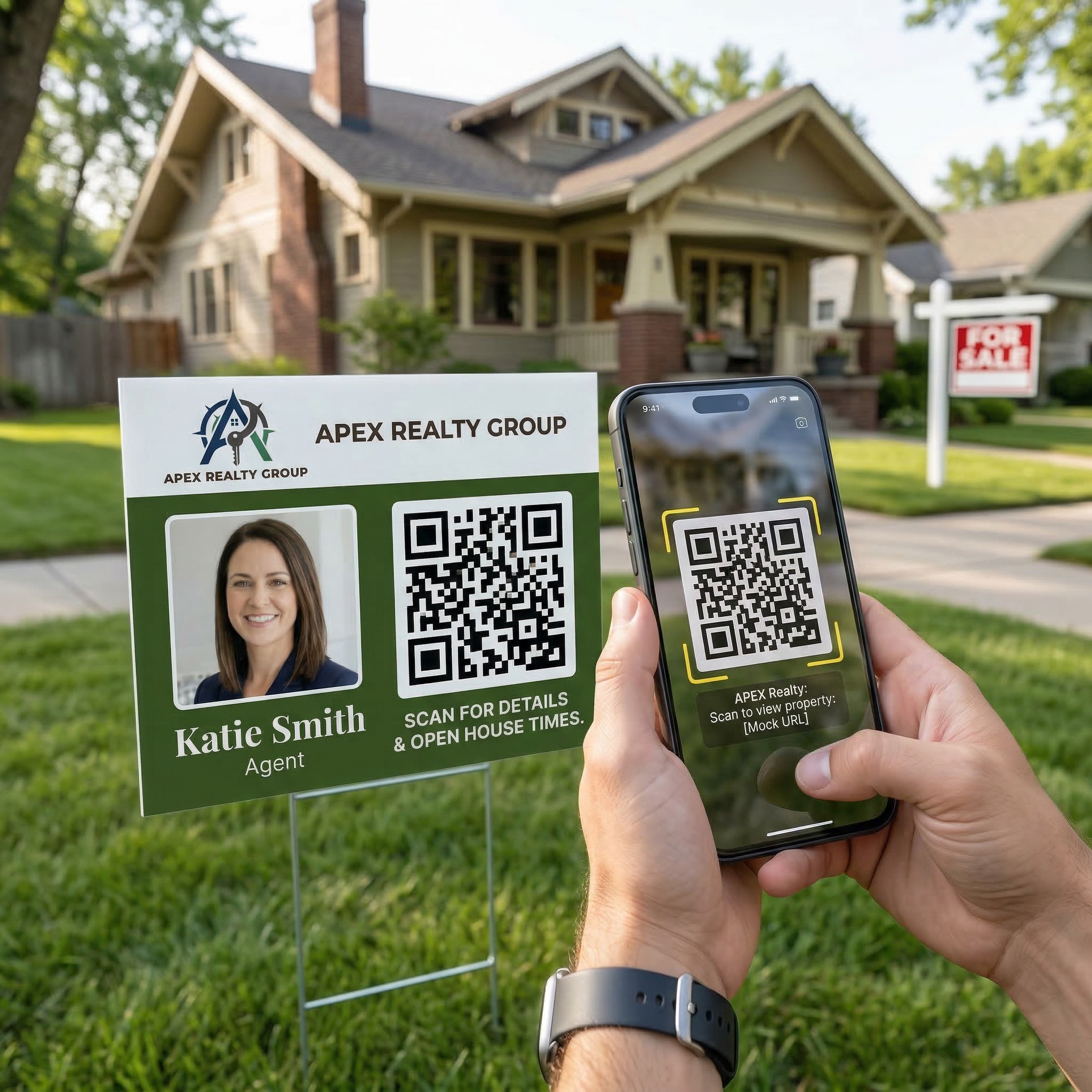
Yard signs and vehicle graphics
Scannable from the sidewalk, where nobody is stopping to write a number down.
Flyers and door hangers
The code does what the tear-off tab was trying to do.
Quotes and invoices
So the customer who wants a second job can find you six months later.
Contact link, website, or paper card
| Contact link | Traditional website | Paper business card | |
|---|---|---|---|
| Time to your first version | About two minutes | An afternoon at best | Days, plus a print run |
| Domain and hosting | Not needed | Both needed | Not needed |
| Phone and email | Tap to call or write | Usually on a contact page | Typed in by hand |
| Save to their contacts | One tap | Rarely offered | No |
| Your photo in their phone | Yes, saved with the contact | No | No |
| Changing your details | Edit the page, link unchanged | Edit the site | Reprint everything |
| Works as a QR code | Yes, included | Yes, if you make one | Only if you add one |
| Blog, shop, many pages | No | Yes | No |
The short version: if you need somewhere to sell from, build a website. If you need somewhere to send people, a contact link does that job better and takes an afternoon less.
How to create a link with your contact information
Fill in your details
Name, phone, email, company, job title, website, address. Only your name and email are required — add the rest as you go.
Add your photo and logo
Upload a headshot and your company logo. Both are resized and optimized automatically.
Preview the real page
You see exactly what someone opening your link would see — before creating any account.
Share the link, or the code
Copy the address into your signature and messages, or download the QR code for anything printed.
Just want the contact file, not a page?
If you only need a one-off .vcf file to send someone, that's a separate free tool — no account, nothing hosted. Use the VCF File Generator →
Questions
Build it, open it on your own phone, then decide.
Fill in your details and see the real page — the same one anyone opening your link would see. No account needed to get that far.