Merge VCF Files into One (or Split Them Apart)
Combine a folder of .vcf contact files into a single file, or break one big file into a .vcf per contact. Free, and nothing leaves your browser.
Outlook exports one file per contact. Old phone backups leave you with several. Phones and Google Contacts import best from one combined file. This tool joins them up, drops exact duplicates, and keeps every field and photo exactly as it was.
Drag your .vcf files here
Select as many as you like — read on your device, never uploaded
One .vcf with every contact — free, no limit
Every file you send goes out of date the day your number changes.
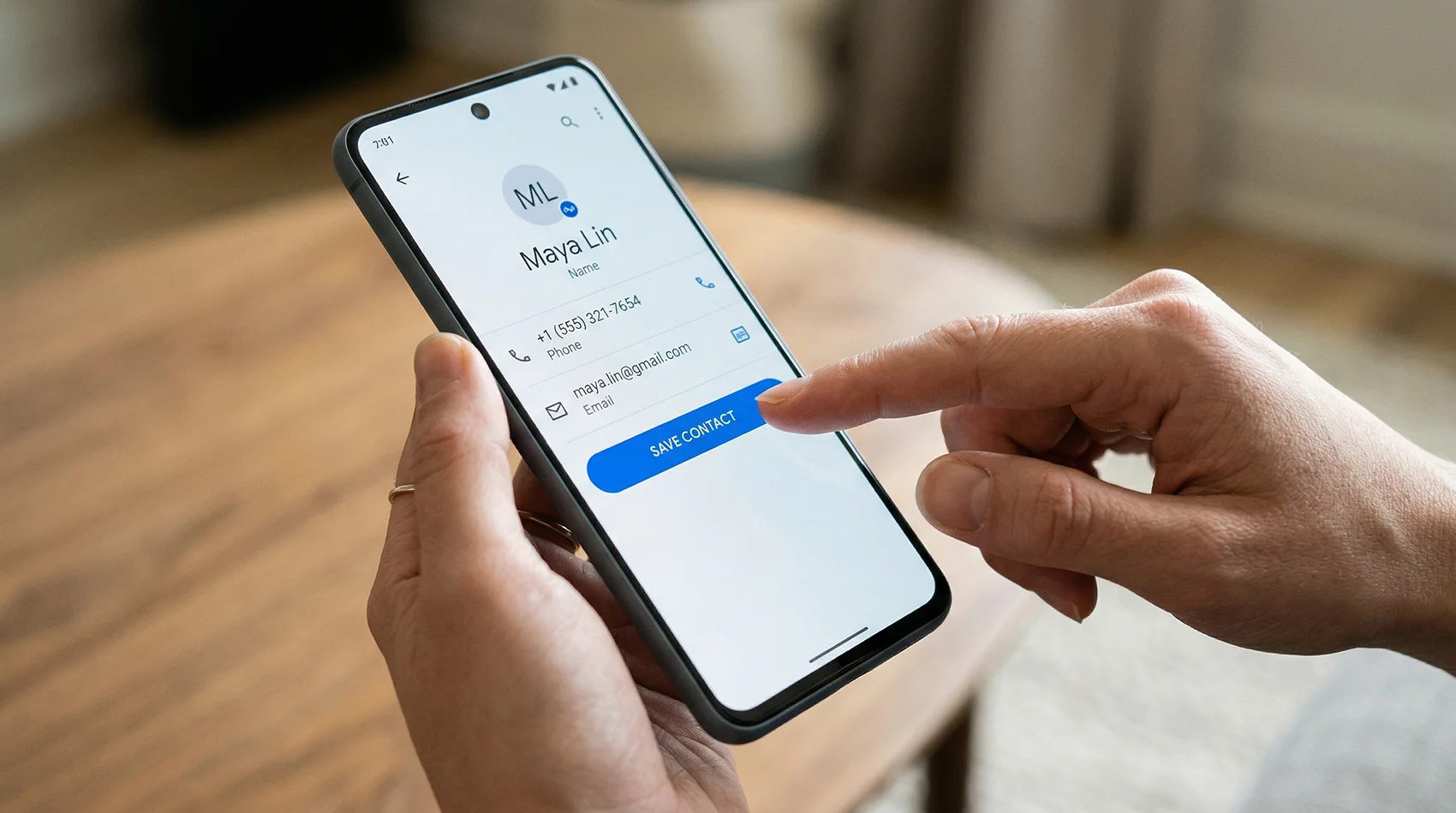
Share one link and one QR code instead. People tap Save Contact and get your current details, with your photo. Change something later and the same link and printed codes keep working.
Build your contact page free →See it on a phone as you type · No signup to preview
Your file is downloading
—
How do people save your contact?
You just spent time getting contacts into one clean file. The people you meet get the messy version — a paper card and a number to type in by hand. A vCard Garden page is one link and one QR code. They scan, tap Save Contact, and you're in their phone with your photo.
Build yours free — no signup to preview →When you need to merge or split VCF files
Outlook exports
Outlook saves one .vcf per contact. Merge them so your phone imports the whole list in one go.
Old phone backups
Several backups from different phones? Combine them and drop the exact duplicates.
Sharing one person
Split a big export so you can send a single contact by email or text.
Apps that want one file
Some systems import one contact per file. Splitting gives you exactly that.
How merging works
A .vcf file is plain text. Each contact is a block that starts with BEGIN:VCARD and ends with
END:VCARD. A file with 300 contacts is just 300 of those blocks one after another.
Merging copies every block from every file into one new file, exactly as written. Nothing is reformatted, so photos, labels and fields your phone added stay intact. Splitting does the reverse and saves each block as its own file, named after the contact.
Want to fix the contacts while you're at it? Open the merged file in the VCF to Excel converter, or read how to edit a VCF file.
Duplicates and privacy
Exact duplicates go
A contact saved word for word in two files is kept once. You can switch this off.
Near-duplicates stay
If two copies differ, even by one phone number, both are kept so nothing is lost. Your contacts app can merge them after import.
Nothing uploaded
Your files are read by your own browser. No server, no storage, no account. Close the tab and it's gone.