vCard Garden · For Realtors

Digital Business Card for Realtors

Realtors meet a lot of people. Open houses, showings, referrals, random conversations — it adds up fast. But most of those connections never turn into saved contacts. Paper cards get lost. Generic digital cards get opened once and forgotten. And if someone has to type your number later, they usually don't. A better digital business card for realtors fixes that — give people a simple way to open your contact page, save your details in seconds, and find you when they're ready to call.

Create Your Realtor Digital Business Card
QR code included · No app required · Update anytime
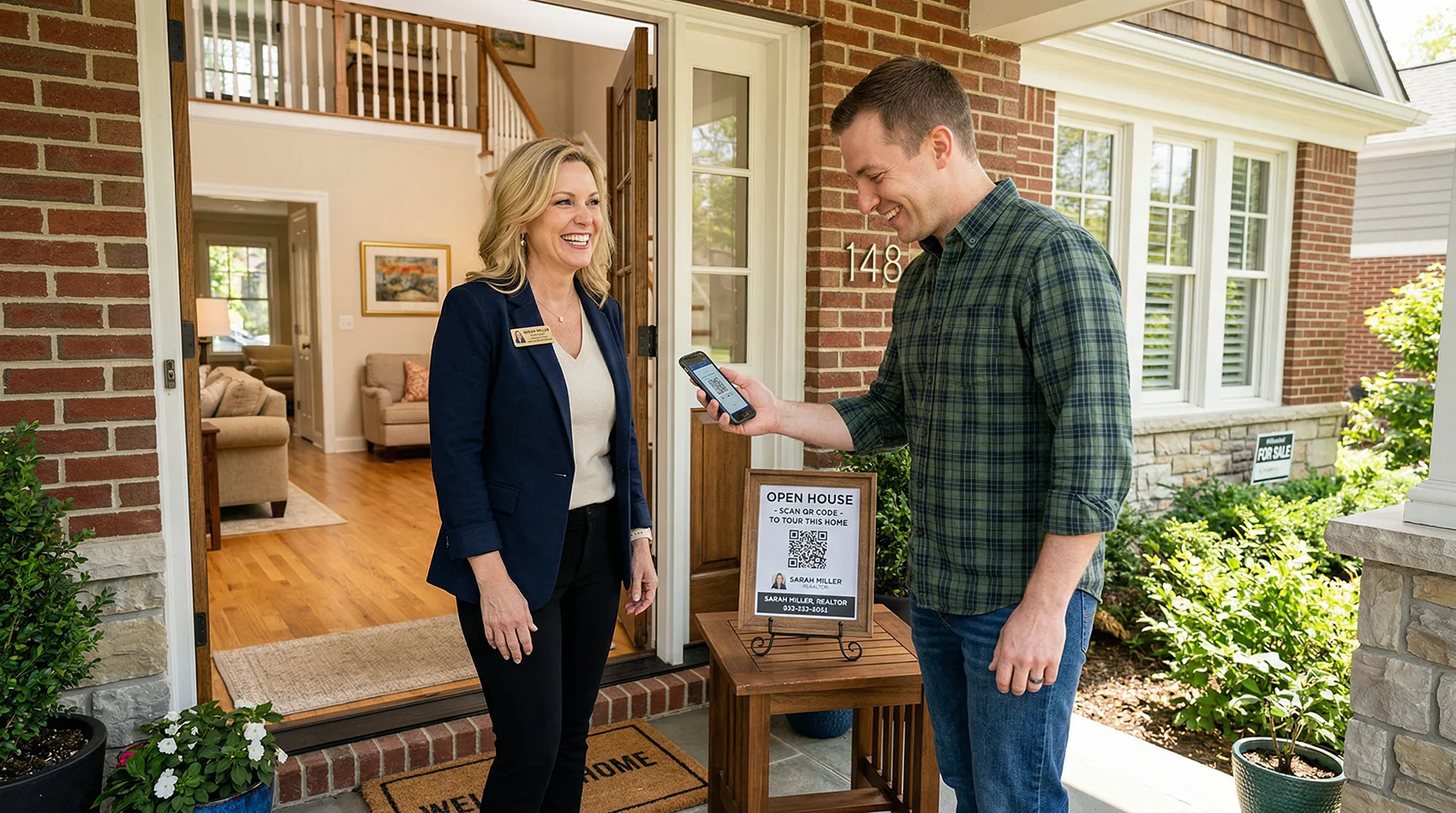
Realtor at open house door with QR code sign for visitors to scan and save contact

What Is the Best Digital Business Card for Realtors?

The best option is not the one with the most features. It's the one that actually gets saved.

Most realtor digital business cards are profile pages dressed up with a QR code. They look fine, but they don't do the one thing that matters: get your contact into a buyer's phone before they walk out the door.

The best realtor digital business card should:
Open instantly on any phone. Include a real Save Contact button. Come with a QR code you can print on anything. Let you update your info without reprinting a single sign. And it should work just as well at an open house as it does on a flyer, a yard sign, or in an email signature — because buyers don't all find you the same way.

That's what vCard Garden is built for. Not a pretty profile page — a digital contact card that behaves like a real tool.

Why Paper Business Cards Fail Realtors

A paper card is easy to hand out and easy to throw away. That's the whole problem.

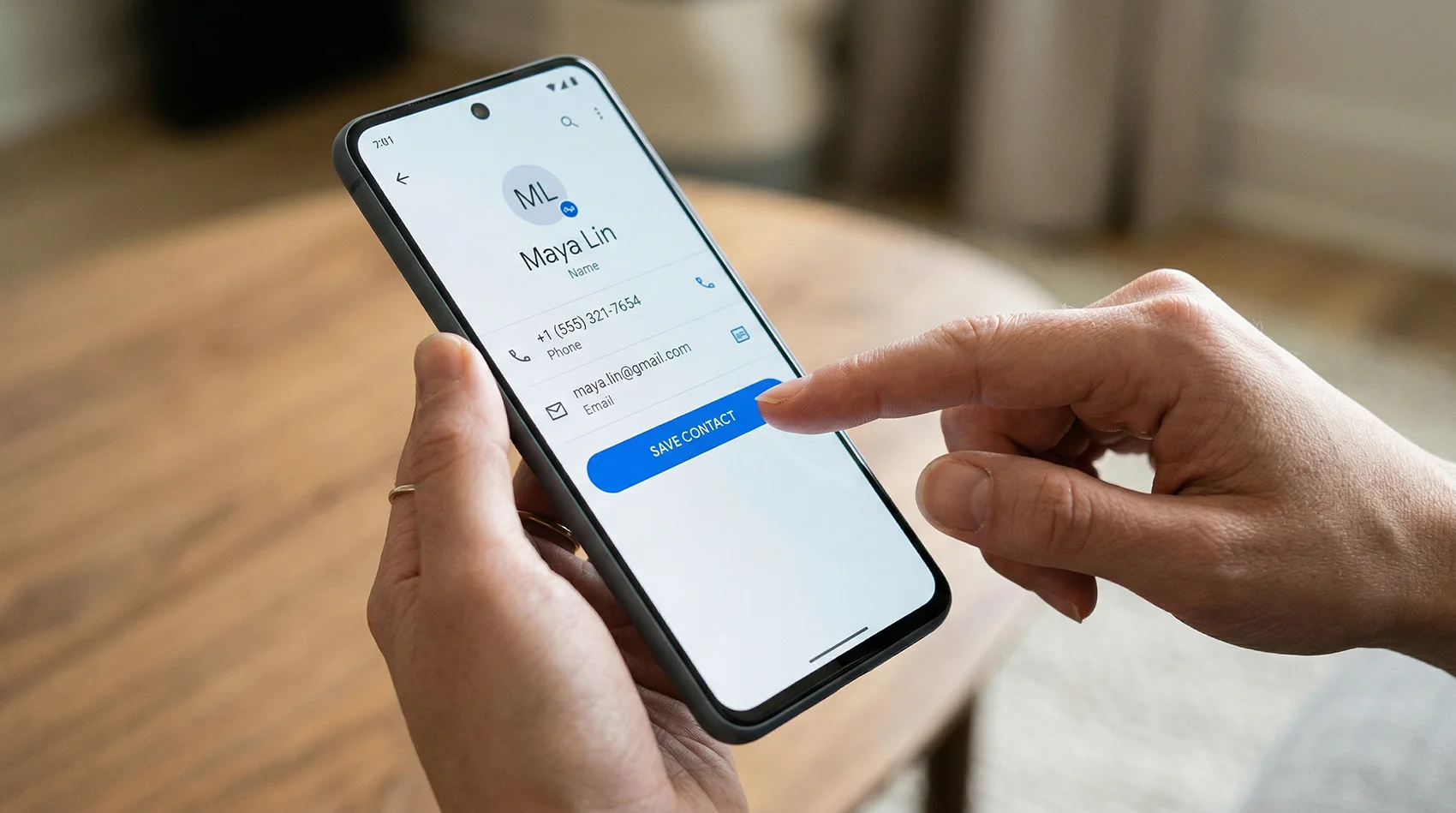
Phone screen showing Save Contact button for a realtor digital business card

One tap. Your contact is saved — name, photo, number, and all.

📋 Paper doesn't survive the week
A business card handed out at an open house on Saturday is usually gone by Monday. Pockets, purses, countertops, trash cans — that's the lifecycle. Even the people who meant to call you don't always find the card again.
✍️ If they have to type your number, most won't
People don't manually key phone numbers into their contacts anymore. If there's any friction between them and saving your info, the moment passes. A digital business card removes that step entirely.
🔄 You can't update a printed card
Change your number, switch brokerages, or get a new email? Every card in circulation becomes wrong. With a digital contact card you update once and every future scan reflects the new info.
📷 No photo means no face
Buyers meet multiple agents in a week. Paper cards don't remind them which face goes with which name. A digital business card with your headshot saves the photo alongside your contact — so when they're ready to call, they remember exactly who you are.
📊 Zero tracking
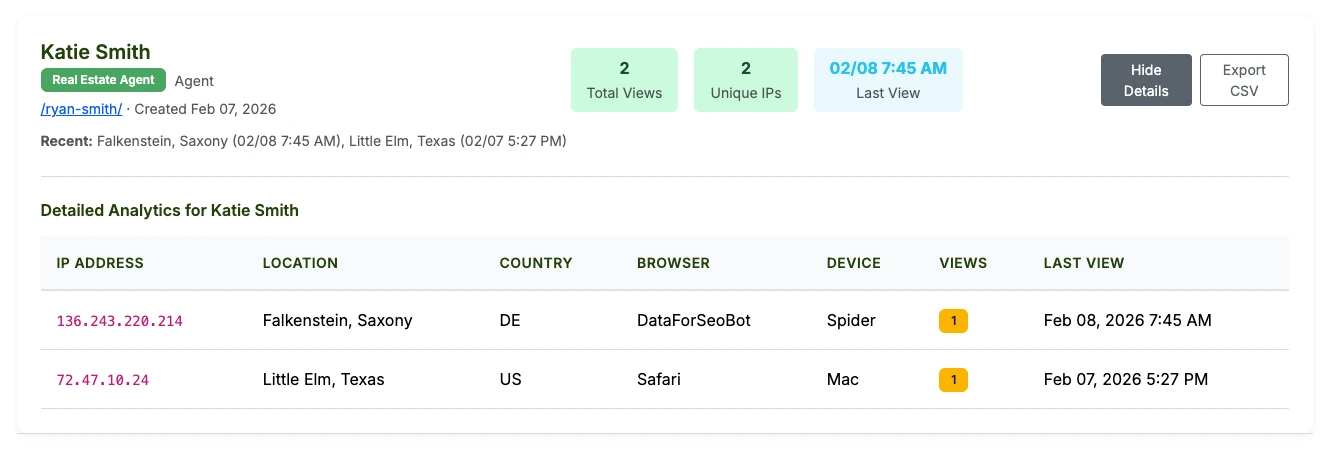
A stack of paper cards tells you nothing. A digital contact card shows you how many people scanned, when they viewed your page, and which placements are actually generating interest.

Why Most Realtor Digital Business Cards Still Fall Short

The market is full of tools that look good in a demo and fall flat in the field. Most are profile pages — they give someone a link to view, not a fast way to save.

A profile page is not a saved contact
Viewing your page and saving your contact are two different things. Most tools optimize for the first one. The second one is what actually leads to a call.
NFC sounds clever until you're explaining it
Tapping a physical card to a phone works when it works. But it adds a hardware dependency, a setup step, and a conversation you didn't plan to have. A QR code just works.
Generic tools aren't built for realtor workflows
Most digital card apps are one-size-fits-all. They don't account for open houses, listing-specific context, yard signs, or the fact that you're handing your card to strangers in a house you don't own.
Looking modern is not the same as being useful
Animated cards, link trees, and fancy layouts are fine. But the real question is whether your contact ends up in someone's phone after they leave. That's the only metric that matters for follow-up.

What Actually Matters in a Realtor Digital Business Card

Most of this is simple. The problem is that most tools skip the parts that matter most in real-world use.

Realtor digital business card open on a phone showing Save Contact button and contact details
📲 Easy to scan, easy to save
The QR code opens your contact page. One tap saves your info. That's the whole flow. It should work that cleanly every time, on any iPhone or Android, without the visitor needing an account or an app.
🖼️ Your photo saves with your contact
This is the one most tools skip. When your headshot saves alongside your name and number, buyers recognize your face when they're scrolling their contacts two weeks later. That recognition matters when they're deciding who to call.
🏠 Listing context on the same page
Add a property address, description, or listing link directly to your card. Buyers who scan at the door see the listing info alongside your contact — they're connecting your name to the property before they've finished the tour.
🔁 Reusable across every listing
One card, every listing. Update the description as needed. Your QR code stays exactly the same, so signs and flyers you've already printed keep working. No reprinting. No dead links.
📞 Click-to-call from the page
Your phone number is tappable. A buyer who scanned at 2pm Saturday can call you at 9am Sunday with one tap — no searching for your card, no typing your number, no guessing your last name.
📊 Scan analytics included
See how many people scanned your QR code and viewed your page. Know which open houses are generating real interest. It's a small data point that adds up across a busy season.

How Realtors Use a Digital Business Card in Real Life

The best realtor digital business card should still be useful a week later, when the buyer is finally ready to call. Here's where it fits into actual day-to-day work.
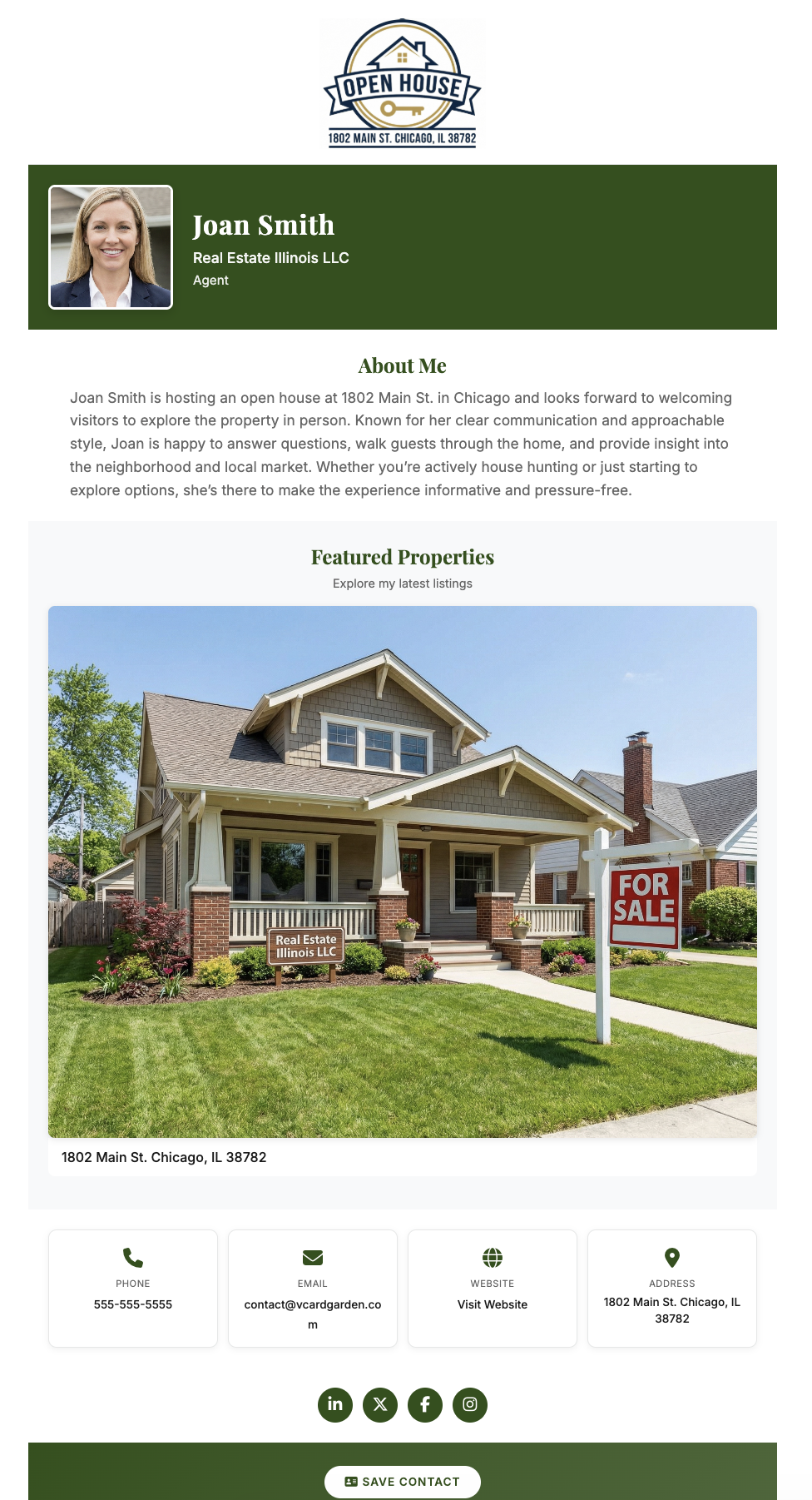
Realtor contact card showing open house listing and Save Contact button on phone

One card. Every situation. Always current.

Open Houses
Your best use case for QR scanning
Put your QR code at the entry table, kitchen counter, yard sign, or front door. Visitors scan while they're still inside. Your contact is saved before they've finished walking through. No paper, no typing, no awkward ask. See the full open house setup on our open house QR code sign-in page.
Property Flyers
Turn handouts into saved contacts
Add your QR code to every printed flyer. Someone takes a flyer home, scans it that night while looking at houses online, and saves your contact. The flyer becomes a bridge between print and phone — something paper cards never did.
Yard Signs
Capture drive-by interest
Neighbors and drive-by traffic can scan your QR code directly from the sign. Your contact is saved before they've even walked in. The people most likely to refer you are often the ones already living on the street.
After Showings
No fumbling for a card at the door
Instead of texting loose contact details or hoping they saved your number from an email, pull up your QR code on your phone screen. They scan, you're saved. Cleaner than handing over a card and faster than typing out your info.
Networking and Referrals
Mortgage brokers, vendors, past clients, other agents
Most referral relationships start with a contact being saved. When you're at an event or meeting someone new, being easy to save is the first step to being easy to recommend.
Social Bios and Email Signatures
One clean link that does everything
Drop your card URL into your Instagram bio, LinkedIn profile, or email signature. Instead of listing scattered contact details, you give people one place that has everything — and a button to save it.

Why VCard Garden Works Better for Realtors

Most digital card tools treat realtors the same as everyone else. vCard Garden is built around the thing realtors actually need: getting your contact saved fast, across multiple situations, and keeping it accurate over time.

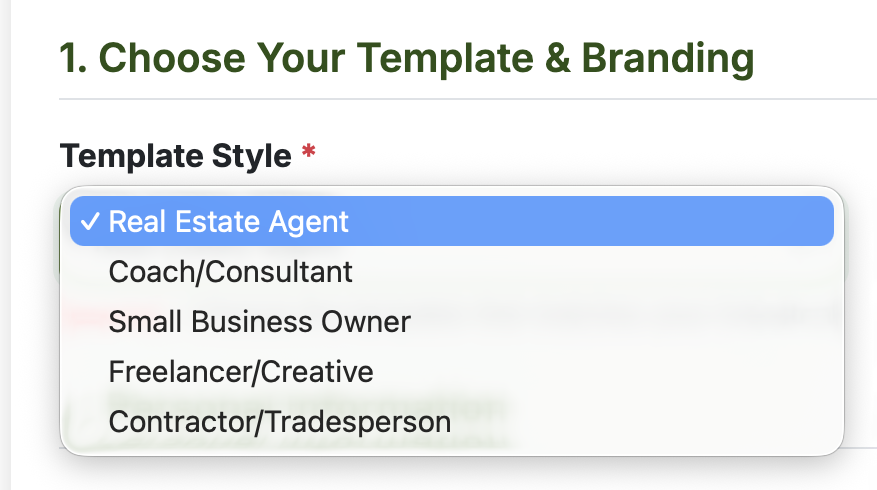
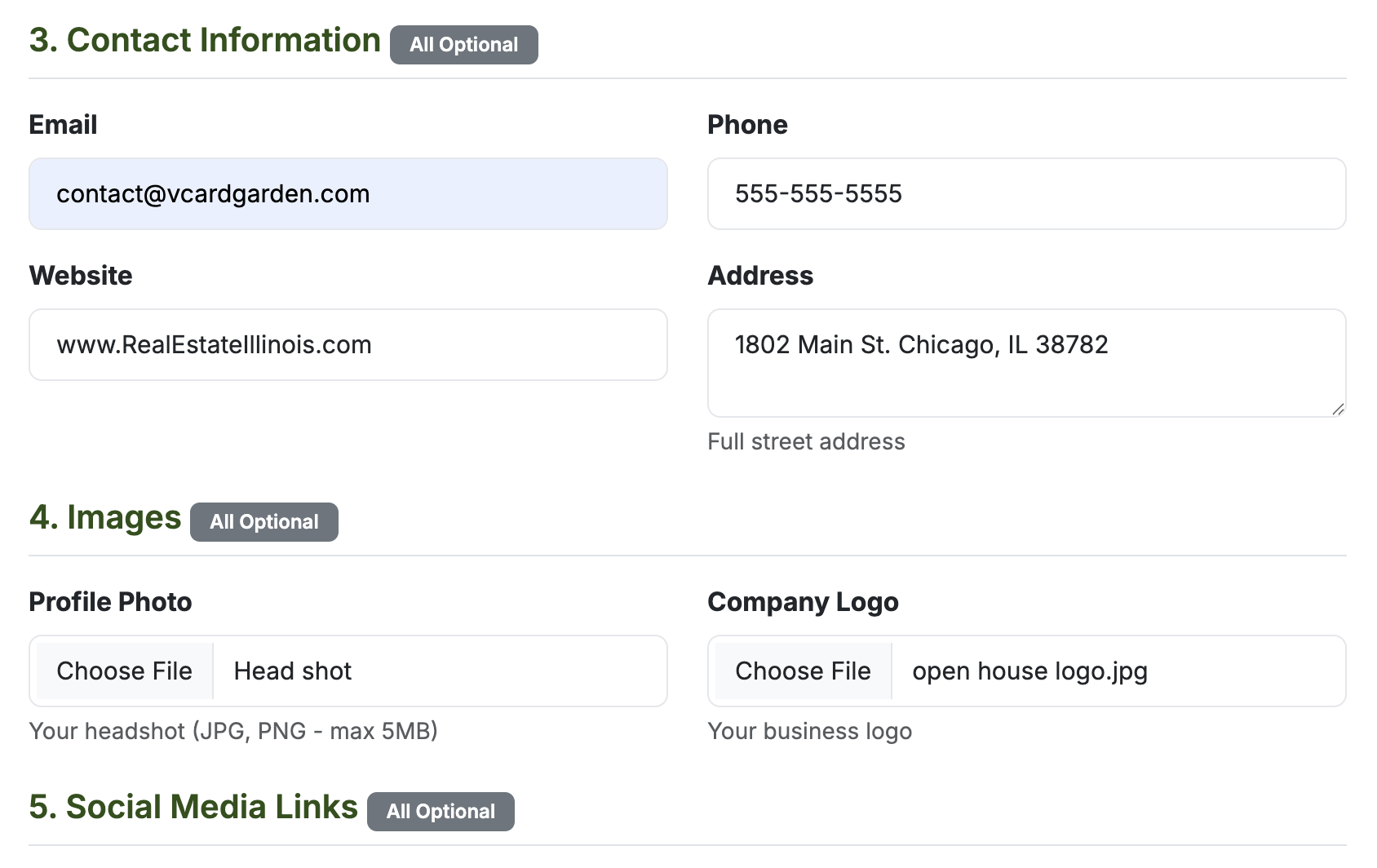
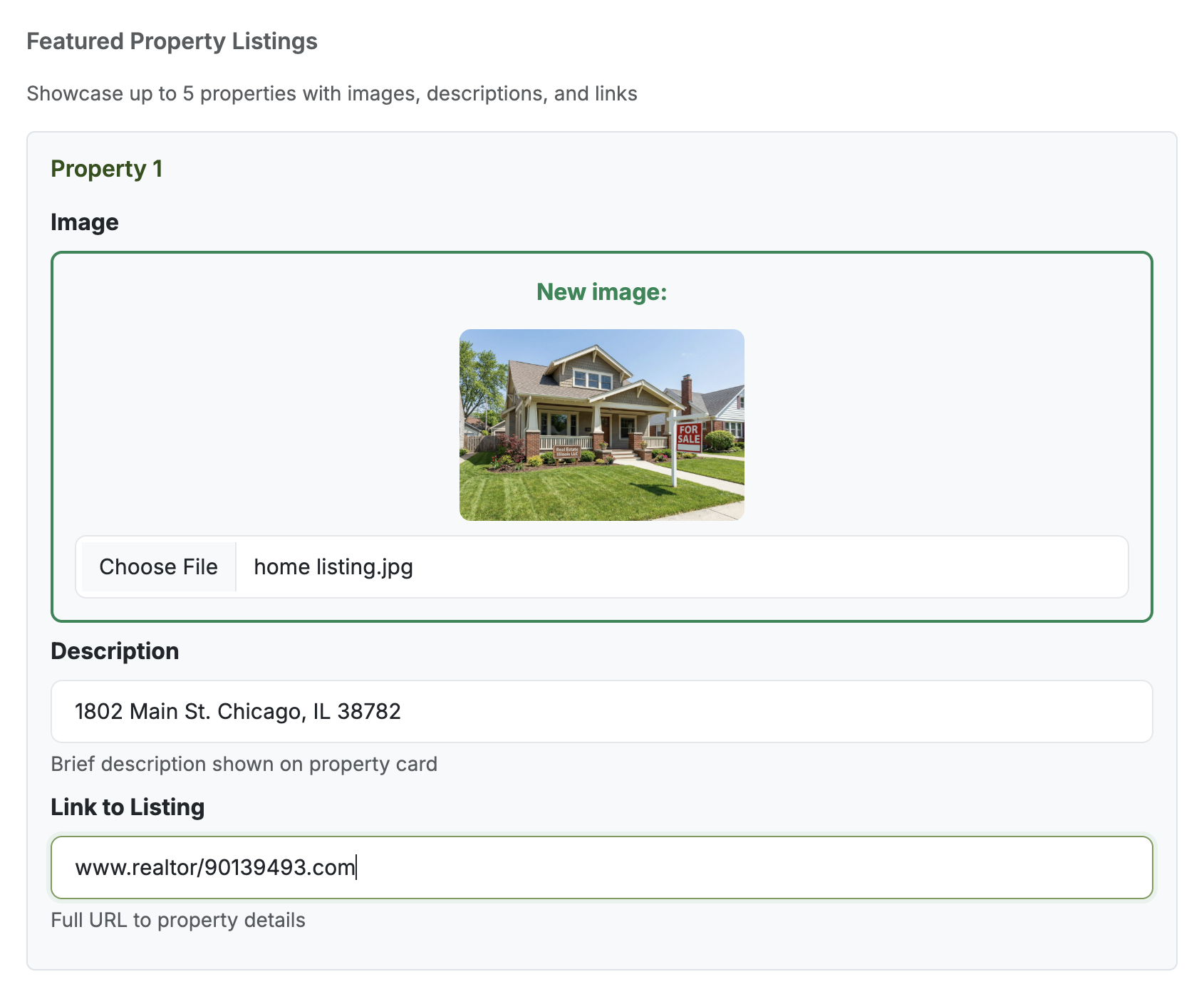
Realtor digital business card setup showing featured property listing fields
Your contact page, not just a profile link
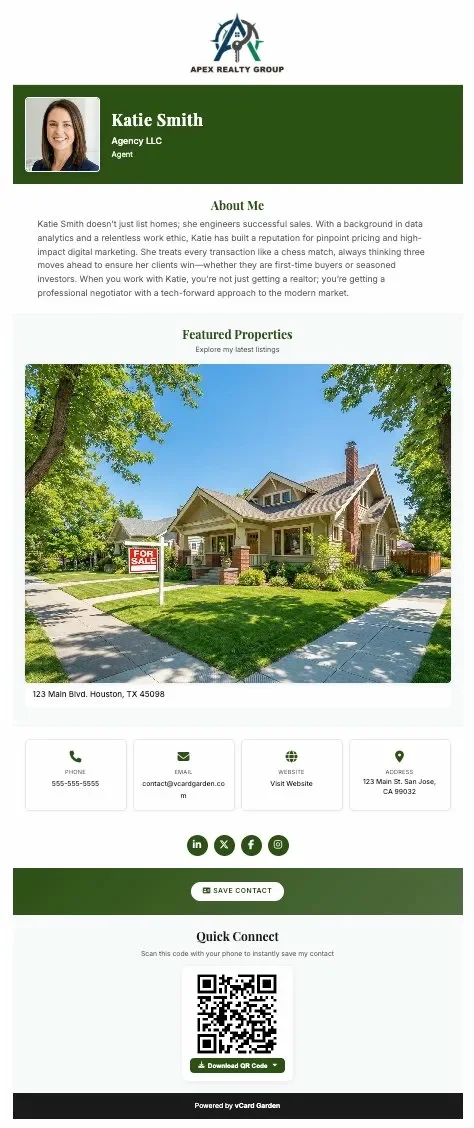
When someone lands on your page they see your name, photo, phone, email, brokerage, and a single Save Contact button. Not a wall of links. Not a feed. A clean contact page that behaves exactly like a useful tool.
QR code comes with every card
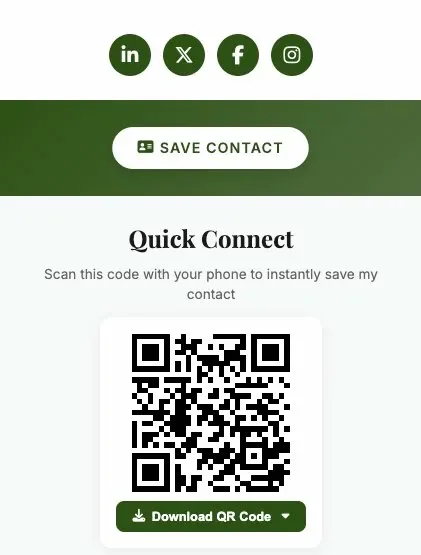
Your QR code is generated automatically. Download it as a PNG or SVG, add it to flyers, signs, or print it at any office supply store. When someone scans it, the QR code still points to your current page — even after you've updated your info.
Add listing details directly to your card
Include a property address, description, and a link to your listing page — right on the same contact card. Buyers who scan at an open house see the property context alongside your contact, before they've even walked back to their car.
A digital business card that works for open houses
One of the strongest realtor use cases is the open house QR code sign-in. Instead of relying on paper sign-in sheets, place your QR code where visitors naturally pause and let them save your contact in seconds — no paper, no awkward ask, no fake names on a sheet.
When someone is ready to call, you're already there
A buyer might look at five houses in a weekend. They're not ready to make decisions on Saturday afternoon. But two weeks later, when they are ready, the agent who's already saved in their contacts is the one who gets the call. That's the real advantage of a save contact QR code — it works on their timeline, not yours.

Digital Business Card Options for Realtors

There are several tools in this space. Here's how the main ones shake out for real estate agents specifically.

Blinq
Simple and popular. Works fine as a general digital card, but it's built for everyone — not specifically for realtor workflows like open houses, listings, or sign-based QR sharing.
Wave
Clean interface and easy to set up. Light on realtor-specific features and not built around the save-contact-first model that matters most for agents meeting strangers at showings.
Popl
Known for NFC sharing. That's fine for one-on-one handoffs, but it requires physical hardware and doesn't work for printed materials, yard signs, or situations where you're not standing right next to the person.
V1CE
Premium physical card experience. Looks polished but leans heavily on the physical product. Not ideal if your primary need is QR-based contact sharing at open houses and on printed materials.
VCard Garden
Built around the save-contact model. Every card includes a QR code, a Save Contact button, and the ability to add listing context. Your info stays current without reprinting anything. Better fit for realtors who need a reliable way to share contact info via QR code across open houses, flyers, signs, and follow-up.

Using It at Open Houses

One of the strongest realtor use cases is the open house. Most agents still rely on paper sign-in sheets — which means low-quality data, bad handwriting, and leads that go nowhere. A better approach is placing a QR code where visitors naturally pause and letting them save your contact in seconds.

Instead of collecting their info, you put yours in their phone. That's the shift. When they're ready to make an offer or call their agent, you're already there.

See the Full Open House QR Code Setup →

Frequently Asked Questions

What is a digital business card for realtors?
It's a mobile-friendly contact page that includes your name, photo, phone, email, brokerage, and a QR code. Buyers and sellers scan the code and save your contact directly to their phone in one tap. No app required on their end.
What is the best digital business card for real estate agents?
The best one is the one people actually save. It should work on any phone, include a QR code, allow updates anytime, and be usable at open houses, on flyers, on signs, and after showings. Generic profile pages don't clear that bar for most realtors.
Can a realtor use a QR code business card?
Yes. A QR code business card for realtors links the code to your digital contact page. Visitors scan with any phone camera, your page opens instantly, and they tap Save Contact. It works on signs, flyers, and phone screens without any special hardware.
Do buyers need an app to use a realtor digital business card?
No. Any iPhone or Android camera scans the QR code. Your contact page opens in their browser. Nothing to download, no account required.
Can I update my realtor digital business card later?
Yes. Log in, update your info, and it goes live immediately. Your QR code never changes — so printed signs and flyers keep working even after you've made edits.
Can I use the same digital business card for every listing?
Yes. One card, every listing. Update the description or property details as needed. Your QR code stays the same so you never have to reprint signs or redo your flyers from scratch.
Is a digital business card better than a paper card for realtors?
For most situations, yes. A paper card is easy to hand out and easy to throw away. A digital business card gets saved directly to a buyer's phone — which is where they'll look when they're ready to call. A paper card in a pocket is not the same thing as a saved contact.
Can I put my digital business card on flyers and yard signs?
Yes. Download your QR code as a PNG or SVG and drop it on any printed material. Add "Scan to Save My Contact" and you're done. Buyers scan from the flyer or sign, your page opens, and they save you in seconds.
What should a realtor digital business card include?
At minimum: your name, photo, phone number, email, and brokerage. A QR code for easy scanning, a Save Contact button, and the ability to add listing details or a property link. The photo is the part most realtors underestimate — it's what helps buyers remember which agent they met.

Create a Realtor Digital Business Card Buyers Can Actually Save

Add your photo and contact details. Download your QR code. Use it on signs, flyers, and at open houses. Start free and update your card anytime.

Create Your Realtor Digital Business Card →
14-day free trial · No credit card required · Cancel anytime