What Is a vCard? How .VCF Contact Files Work
September 09, 2026 • Updated 1 month, 2 weeks ago

A vCard is a digital contact file saved with the .vcf extension. It can hold a person’s name, phone number, email address, company, job title, address, website, photo, and other contact details. When someone opens the file, their phone or computer can add that information to a contacts app without requiring them to type it manually.
A vCard is not the same thing as a web-based digital business card, although the two are often used together. A digital business card can display your information online and provide a button that downloads your vCard.
Quick answer: “vCard” is the contact-file format, while .vcf is the filename extension. Opening a vCard normally gives the recipient the option to save the included contact information.
What Is a vCard?
A vCard is a standardized file format for storing and exchanging contact information. The format is designed so that different phones, computers, email programs, and contact-management systems can recognize the same data.
The official vCard specification defines fields for names, phone numbers, email addresses, mailing addresses, photos, websites, organizations, and more. A vCard may represent a person, business, organization, location, or group.
Most people encounter vCards when they receive a contact card by text or email, export contacts from an address book, or scan a QR code that offers a contact download.
What Information Can a vCard Store?
A .vcf file can include basic contact information as well as optional professional details:
- Full name and nickname
- Mobile, work, home, and fax numbers
- Personal and work email addresses
- Company, department, job title, and role
- Home or business address
- Website and social profile links
- Contact photo or company logo
- Birthday, notes, and other supported fields
Support for optional fields varies by contacts app. Important labels, links, and photos should be tested on the devices your audience is most likely to use.
How Does a vCard Work?
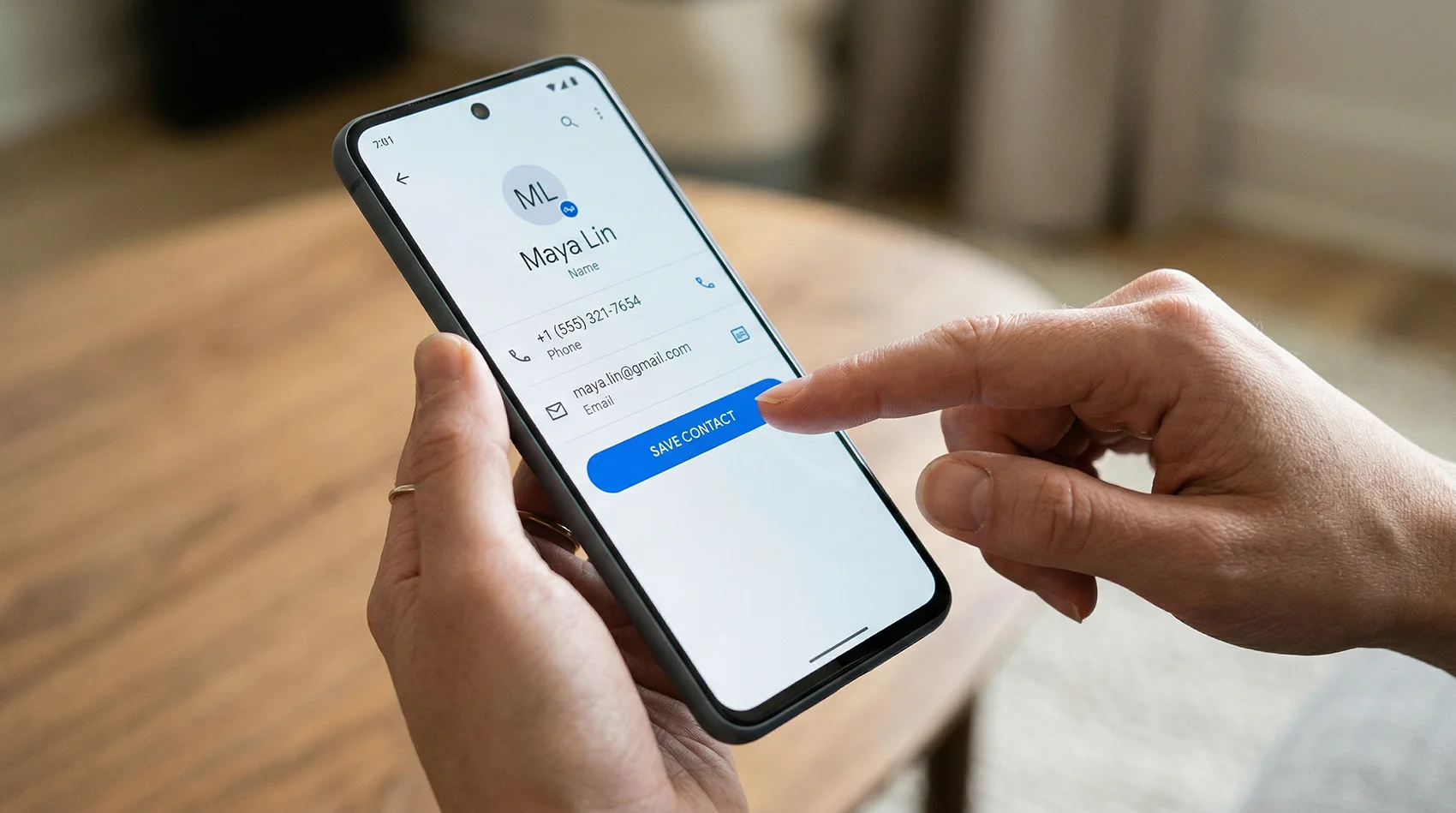
- A vCard is created. Contact information is formatted and saved in a file ending in .vcf.
- The file is shared. It may be sent as an attachment, offered as a download, or opened after someone scans a QR code.
- The recipient opens it. A compatible contacts app reads the fields and displays the contact.
- The recipient chooses whether to save it. The information is then copied into that person’s address book.
The saved contact is a copy of the information contained in the file at that moment. It does not remain connected to the original vCard.
Is a vCard the Same as a VCF File?
They usually refer to the same thing, but the terms describe different parts of it:
- vCard is the contact-data format.
- VCF means vCard File and is commonly used to describe the file itself.
- .vcf is the extension at the end of the filename, such as jane-smith.vcf.
A VCF file can contain one contact or multiple contacts. Files containing many contacts are commonly used to transfer or back up an address book.
How to Open a vCard File
Most modern devices can open .vcf contact files without a special app:
- iPhone or iPad: Open the .vcf file, review the contact, and choose the option to create or add the contact.
- Android: Open the downloaded file or use the import option in the device’s Contacts app.
- Mac: Open the file with Apple Contacts.
- Windows: Open or import the file with a compatible contacts program such as Outlook.
- Google Contacts: Use the Import option to upload a .vcf file.
The exact button names can change by device and operating-system version, but the basic process is the same: open the file, review the information, and approve the import.
How to Create a vCard
You have three practical options:
- Export an existing contact. Contacts apps on phones and computers can usually export an entry as a .vcf file.
- Use an online generator. Enter your information in the free VCF File Generator, download the file, and test it before sharing.
- Create the file manually. Because vCards use structured text, they can be written in a text editor. This is useful for developers but unnecessary for most people.
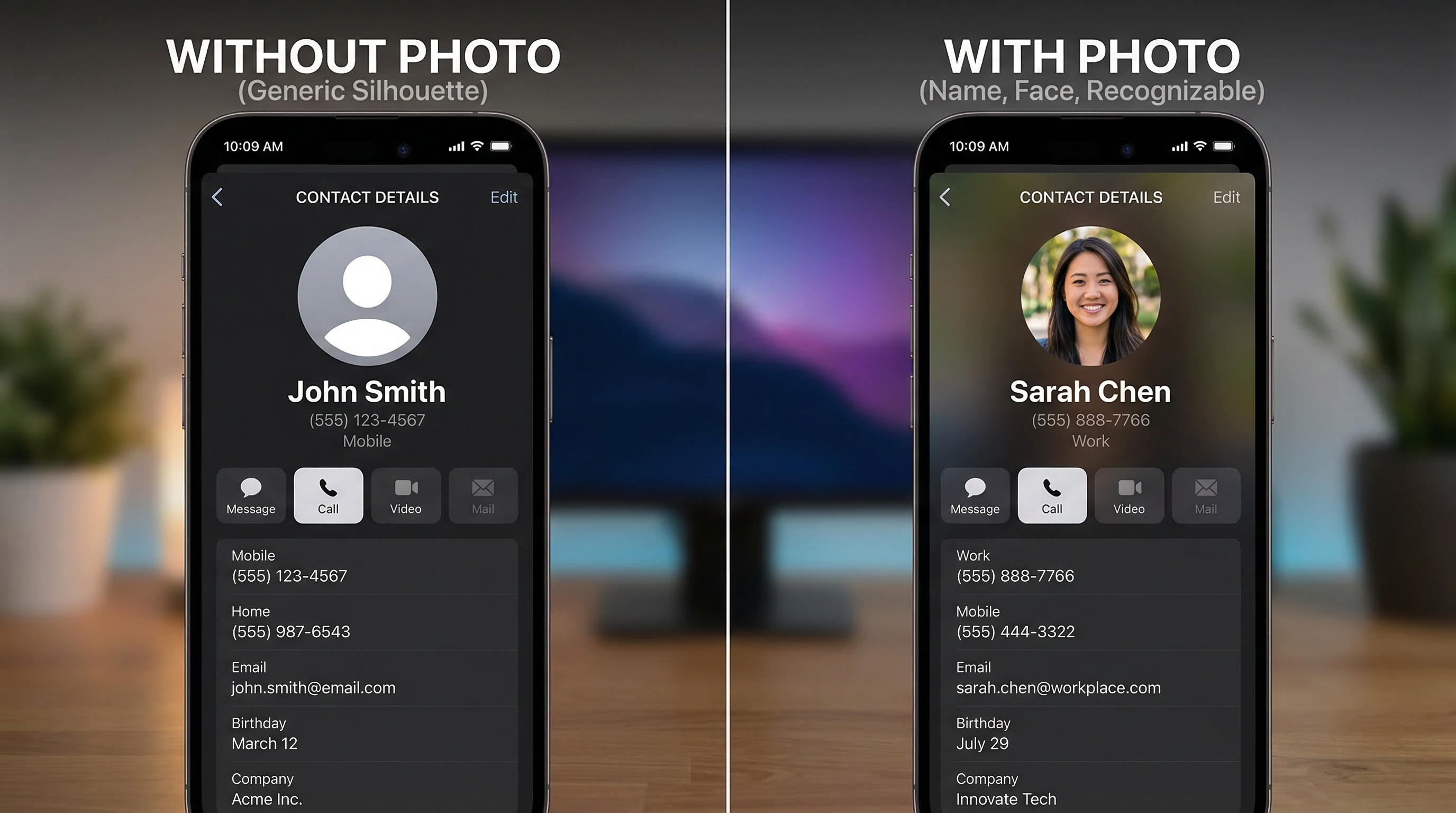
If you want the saved contact to include your headshot, use the vCard Generator with Photo. An embedded image travels inside the VCF rather than depending on the recipient’s contacts app to fetch it from a website.
How to Share a vCard
A vCard can be shared anywhere a file or link can be sent:
- Attach the .vcf file to an email.
- Send the contact card through a text or messaging app.
- Use AirDrop or another nearby-sharing feature.
- Add a vCard download link to a website or email signature.
- Let someone scan a QR code for your contact information.
There are two common ways to use a QR code with a vCard. A static QR code can contain the contact data itself, while a QR code linked to a web page can show a digital business card and provide a separate Save Contact button. The second approach is easier to update because the destination page can change without reprinting the QR code.
vCard vs. Digital Business Card
A vCard and a digital business card solve related but different problems. A vCard moves information into a contacts app. A digital business card presents your information on a shareable web page.
| Feature | vCard (.vcf file) | Digital business card |
|---|---|---|
| Primary purpose | Import contact details | Display and share a profile online |
| Saved to phone contacts | Yes | Usually through a Save Contact button |
| Can the shared source be updated? | No; the file is static | Yes; the web page can be updated |
| Design and branding | Limited contact fields and images | Photos, colors, buttons, bio, and links |
| Analytics | No built-in analytics | Available on some platforms |
Important: Updating a digital business card changes the web page and any future vCard downloads. It does not automatically rewrite contact information that another person has already saved on their phone.
Can a vCard Include a Photo?
Yes. A vCard can include a photo as embedded image data or reference an image hosted online. Embedding is generally more dependable because the photo remains part of the downloaded file, although it also makes the file larger.
We tested matching vCard 3.0 and 4.0 files in Apple Contacts and also tested a VCF with an embedded photo. See the results in our vCard 3.0 vs. 4.0 Apple Contacts test.
Can You Edit a vCard After Sending It?
You can edit your original .vcf file and send a new version, but you cannot remotely change a copy that someone has already downloaded or imported. Their saved contact remains unchanged unless they edit it or save your updated information again.
If your phone number, employer, or job title changes often, a web-based digital business card gives you a permanent link that you can update. Visitors will see the latest version whenever they open the page.
What Does a vCard File Look Like?
A vCard is structured text. Here is a simple vCard 3.0 example:
BEGIN:VCARD
VERSION:3.0
FN:John Smith
N:Smith;John;;;
ORG:Acme Inc
TITLE:Sales Manager
TEL;TYPE=CELL:+1-555-987-6543
EMAIL;TYPE=WORK:[email protected]
URL:https://example.com
END:VCARD
The BEGIN:VCARD and END:VCARD lines mark the record, while each line between them describes a contact field. Common versions include vCard 2.1, 3.0, and 4.0. Newer does not always mean more compatible, so test the finished file in the contacts apps that matter to you.
Frequently Asked Questions
Do vCard files expire?
No. A .vcf file does not have an expiration date. However, the contact information inside it can become outdated.
Does someone need an app to open my vCard?
Usually not. iPhone, Android, macOS, and many Windows contact programs support VCF files. The recipient still chooses whether to import the contact.
Can one VCF file contain multiple contacts?
Yes. A VCF may contain one vCard record or many. Multi-contact files are often used to import, export, or back up an address book.
Can a QR code contain a vCard?
Yes. A QR code can encode contact data directly or open a URL that provides a vCard download. A URL-based QR code allows the destination page to be updated later.
Is a vCard a digital business card?
A vCard is one type of digital contact card, but it is specifically a structured contact file. The term “digital business card” usually means a designed web page that may include a vCard download.
Create the type of vCard you need
Need only a contact file? Generate a VCF for free. Want an updateable page, QR code, photo, and analytics? Try a complete digital business card for 14 days.
Create a Free VCF Try vCard Garden Free →