How to Share Your Contact Info Instantly (No App, No Typing)
April 15, 2026 • Updated 5 months, 3 weeks ago
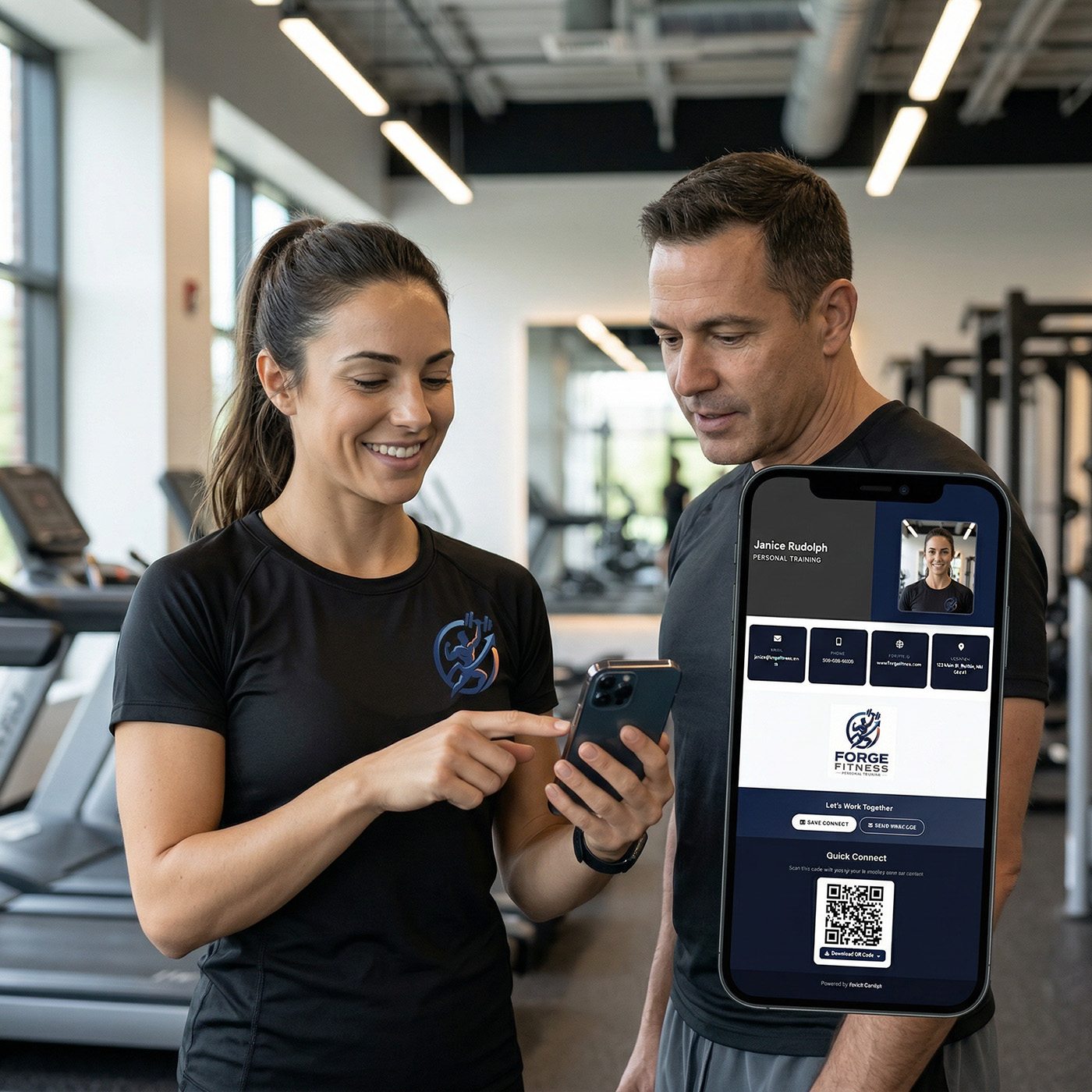
How to Share Your Contact Info Instantly
Short answer: The fastest way to share your contact info is with a link or QR code that opens a page where someone can save your contact in one tap.
With vCard Garden, you can create a digital business card that works on any phone. Share a link or QR code, and the other person saves your contact instantly.
This works on both iPhone and Android, without typing phone numbers, spelling email addresses out loud, or asking someone to save your number first.
This isn’t about sending a contact card or avoiding saving numbers — it’s about the fastest possible way to share your contact info in real situations.
Why Traditional Contact Sharing Is Slow
Most people still share contact info the old way. They say their phone number out loud. They ask the other person to text them first. They hand over a paper business card and hope it does not get lost.
That works, but it is slow and full of friction.
- You have to repeat your number while the other person types it in
- Names and emails get misspelled
- Paper cards get lost, bent, or thrown away
- Texting back and forth takes extra steps
- If your info changes later, the old version is still out there
Most people do not realize this — the fastest way to share your contact is not typing or texting, it is letting someone save it in one tap.
Best Ways to Share Contact Info Instantly
Texting a Contact Card (.vcf)
You can text a contact card from iPhone or Android without much trouble. The other person receives a .vcf file and can save it to their contacts.
This works, but it is not always smooth. Some people do not recognize the file. Some phones handle it differently. The person receiving it still has to open the file and confirm the save.
AirDrop
If both people are using iPhones and standing near each other, AirDrop can work. You can share a contact card directly between devices.
But AirDrop is limited. It only works in Apple-to-Apple situations, and both people need the feature enabled and ready. It is fast when it works, but it is not universal.
QR Code
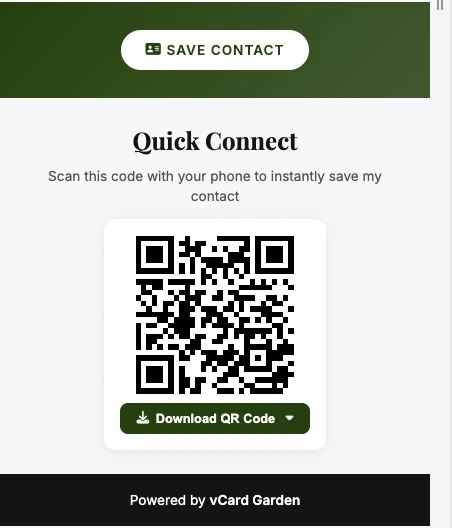
A QR code is one of the easiest ways to share contact info in person. You show the code on your phone or on a printed card, the other person scans it, and your contact page opens immediately.
They do not need your number first. They do not need a special app. They just scan and save.
Link
A shareable link is the easiest option for text messages, email, DMs, and follow-ups after meeting someone. You send the link, they open your digital business card, and they tap Save Contact.
Works the same on iPhone and Android, across any messaging app.
What Actually Works in Real Situations
In real life, the best method is the one with the fewest steps.
If you are at a networking event, you do not want to stand there spelling your email address three times. If you are a realtor at an open house, you do not want every visitor typing your number into their phone manually. If you are a contractor or service business owner, you want the customer to have your info right away without extra effort.
That is why links and QR codes work so well. They remove the back-and-forth. They also work across platforms, which matters more than people think.
AirDrop is fine for iPhone users. Texted contact cards are fine when everything lines up. But if you want something that works on almost every phone, every time, a digital business card with a link and QR code is the simplest setup.
The Easiest Way to Share Contact Info Instantly
The easiest setup is a digital business card with your name, photo, phone number, email, business info, and a Save Contact button. You then share it in two ways:
- By link when you are texting, emailing, or sending a DM
- By QR code when you are in person and want someone to scan it
The person opens your page, sees your details, and taps Save Contact. That is it. No manual entry. No confusing file attachments. No asking them to text you first.
If your phone number, email, or company changes later, you update your card once and the same link still works. That is a big advantage over paper cards and static contact files.
Who This Helps Most
This is especially useful for people who share their contact info often:
- Realtors at open houses — see how open house QR code sign-in works
- Contractors meeting homeowners
- Small business owners at networking events
- Freelancers and consultants
- Anyone tired of repeating their phone number all day
If you hand out your info regularly, the time savings add up fast.
Common Mistakes That Slow Contact Sharing Down
Even people trying to modernize the process often make it harder than it needs to be.
- Linking to a homepage instead of a contact page
- Using a QR code that opens something cluttered or confusing
- Relying only on AirDrop or NFC
- Sending a .vcf file without any explanation
- Making people type or copy details manually
The goal is simple: when someone wants your info, they should be able to save it in one tap.
Get Your Contact Info Ready to Share in Minutes
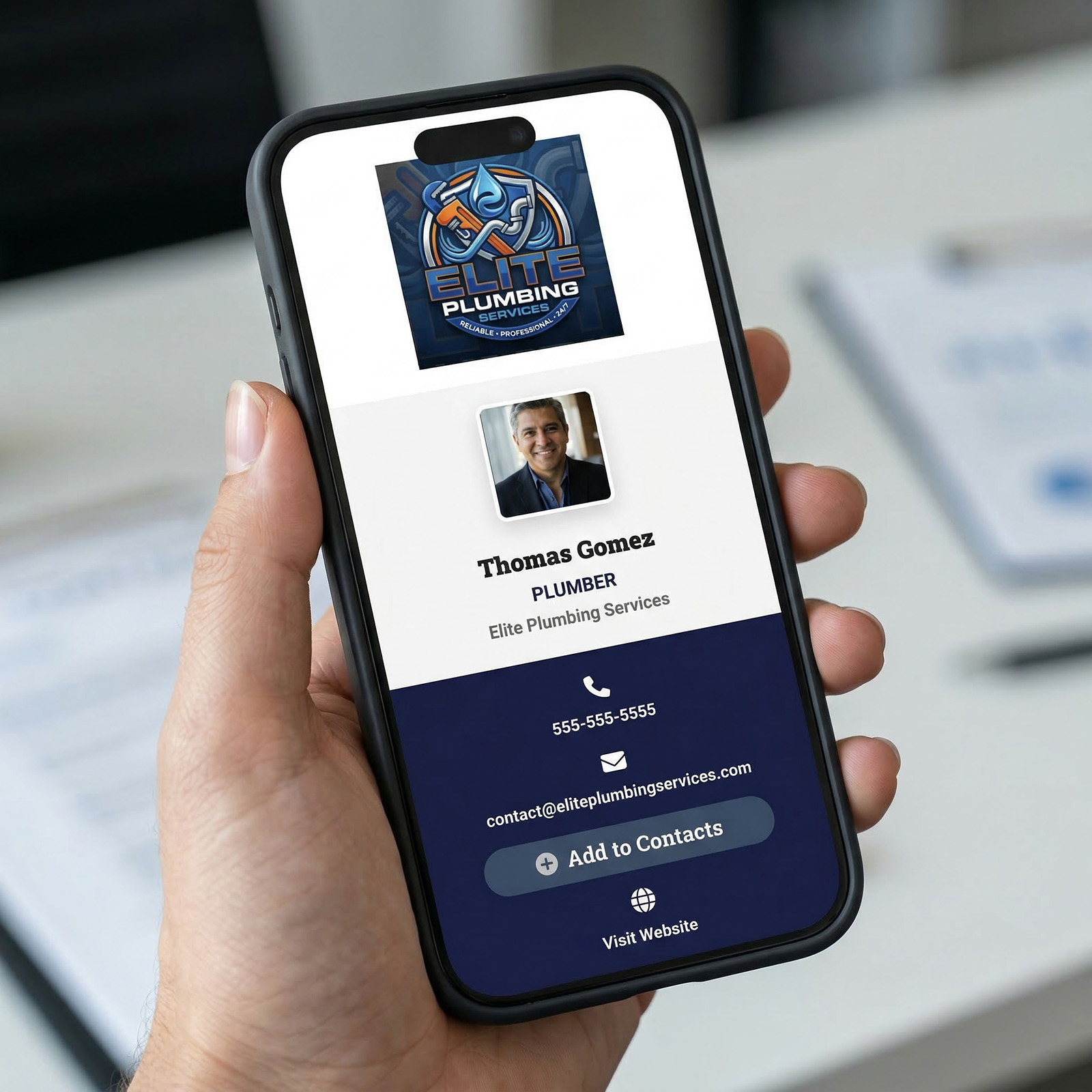
With vCard Garden, you can create a digital business card in minutes and use it everywhere. Send the link in a text. Put the QR code on your phone. Add it to your email signature. Print it on a sign, flyer, or paper card.
Create your digital business card in under 5 minutes and share your contact instantly with a link or QR code — no typing, no saving numbers first, no extra steps.