How to Use QR Codes on Open House Flyers (To Capture More Leads)
July 24, 2026 • Updated 2 months, 4 weeks ago
Last updated: July 2026
You print 50 open house flyers. They list the address, the price, and your name. Buyers grab one on the way in and toss it on the way out. A week later, they can't remember your name and Google the listing instead. You just paid for flyers that sent your client to another agent.
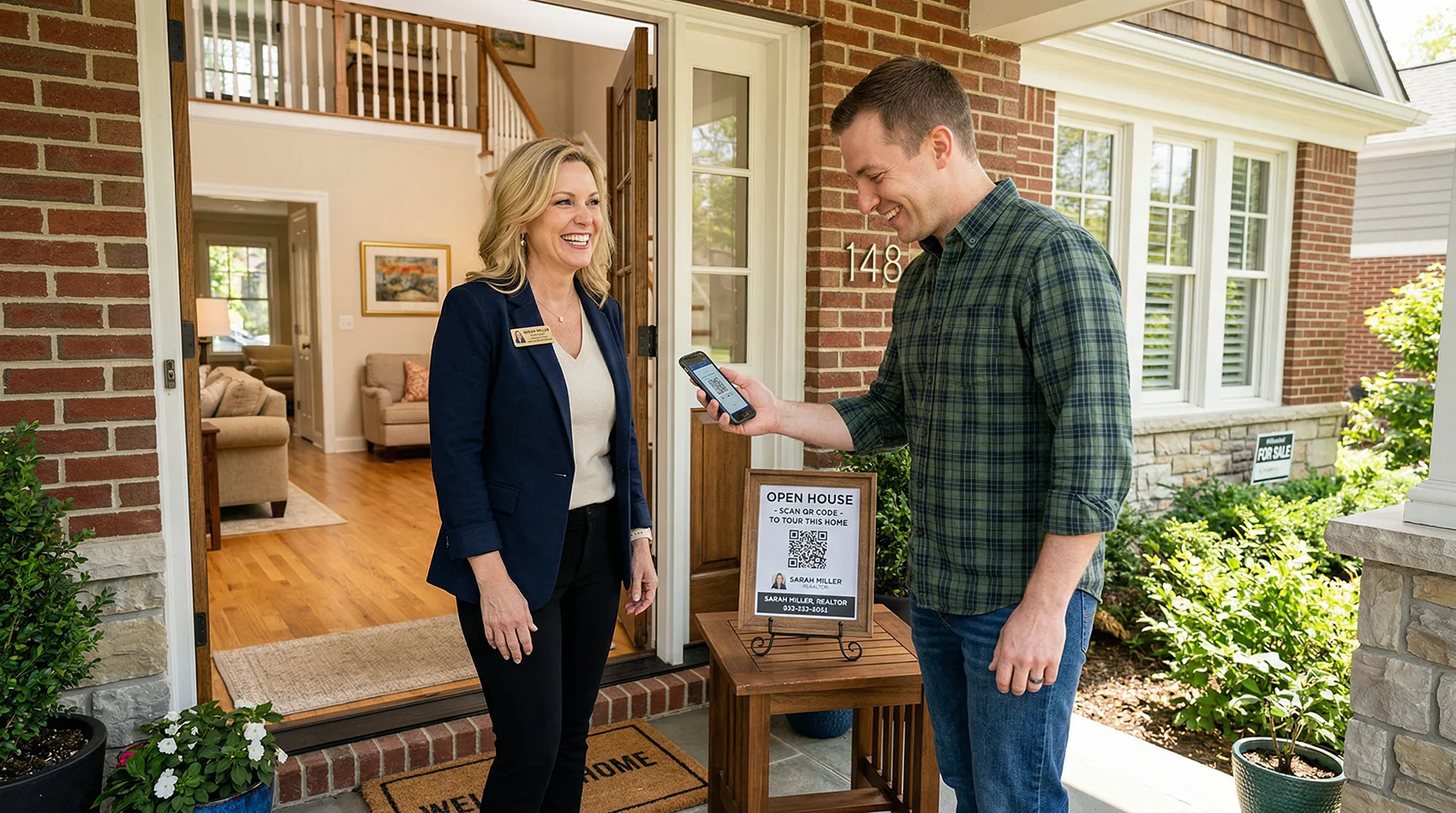
A QR code on that same flyer changes the outcome. The buyer scans it at the front door, your contact saves to their phone, and when they're ready to make an offer three days later, your name and photo are already sitting in their contacts. Here's exactly how to set that up.
Key Takeaways
- Link your QR code directly to a digital contact page, not a generic MLS feed.
- Make the code at least 1.5 inches wide with a clear call-to-action.
- Use dynamic QR codes so you never have to reprint your flyers.
What Should the QR Code Link To?
This is where most agents get it wrong. They slap a QR code on the flyer that links to the MLS listing or their brokerage website. The buyer scans it, lands on a page full of other agents' listings, and you've just introduced them to your competition.
Link your QR code to your own contact page — one that has your headshot, your phone number, a Save Contact button, and the property listing itself. A digital business card for realtors does exactly this. The buyer scans, sees your face, taps Save Contact, and you're in their phone. The listing is right there on the same page, so they don't need to go anywhere else.
Where to Place a QR Code on Real Estate Flyers
Placement matters. A QR code buried in a corner next to the fine print won't get scanned. Here's what works:
Front and Center, Below the Property Photo
The highest-scan position is directly under the main photo, where the buyer's eye naturally goes after looking at the house. Place the QR code there with a short call to action: "Scan to save my contact and see more photos."
Next to Your Contact Info
If your flyer has a footer with your name, phone, and email, put the QR code right beside it. The buyer is already looking at your details — the QR code gives them a faster way to save everything in one tap instead of typing your number manually.
On the Back of the Flyer
If you use a two-sided flyer, the back is a good spot for a larger QR code with a more detailed call to action: "Scan to view all my active listings and save my contact." This works well when the front is reserved for property photos and details.
How Big Should the QR Code Be?
At least 1 inch by 1 inch. Anything smaller and older phone cameras struggle to read it, especially in poor lighting at an evening showing. For a standard 8.5 × 11 flyer, 1.5 inches is the sweet spot — large enough to scan easily, small enough to not dominate the layout.
Make sure there's a white border (called a "quiet zone") around the QR code. Most QR generators add this automatically, but if you're placing the code on a dark or busy background, the scanner needs that contrast to read it.
What to Print Next to the QR Code
A QR code by itself is a black-and-white square that means nothing to someone who doesn't already know what it does. Always include a one-line instruction next to it. Keep it simple and specific:
Good:
- "Scan to save my contact"
- "Scan for more photos and listing details"
- "Scan to save my number — no app needed"
Bad:
- "Scan me!" (scan you for what?)
- "Visit our website" (too vague, and "our" sounds corporate)
- No text at all (most people will skip it)
Upgrade to a QR Code Open House Sign-In Sheet
While you're adding QR codes to your flyers, consider replacing the clipboard sign-in sheet at the door too. A QR code sign-in for open houses lets visitors check in by scanning a code on their phone instead of writing their name and number on a sheet that every other visitor can read. You get cleaner data, buyers get privacy, and nobody has to decipher handwriting.
Use the Same QR Code Everywhere
Here's the part most agents miss: you don't need a different QR code for every flyer or every listing. If your QR code points to your realtor digital business card, it works everywhere because you update the page, not the code. Swap the featured listing on your page, and every flyer you've already printed now shows the new listing when scanned.
That means one QR code works on:
- Open house flyers
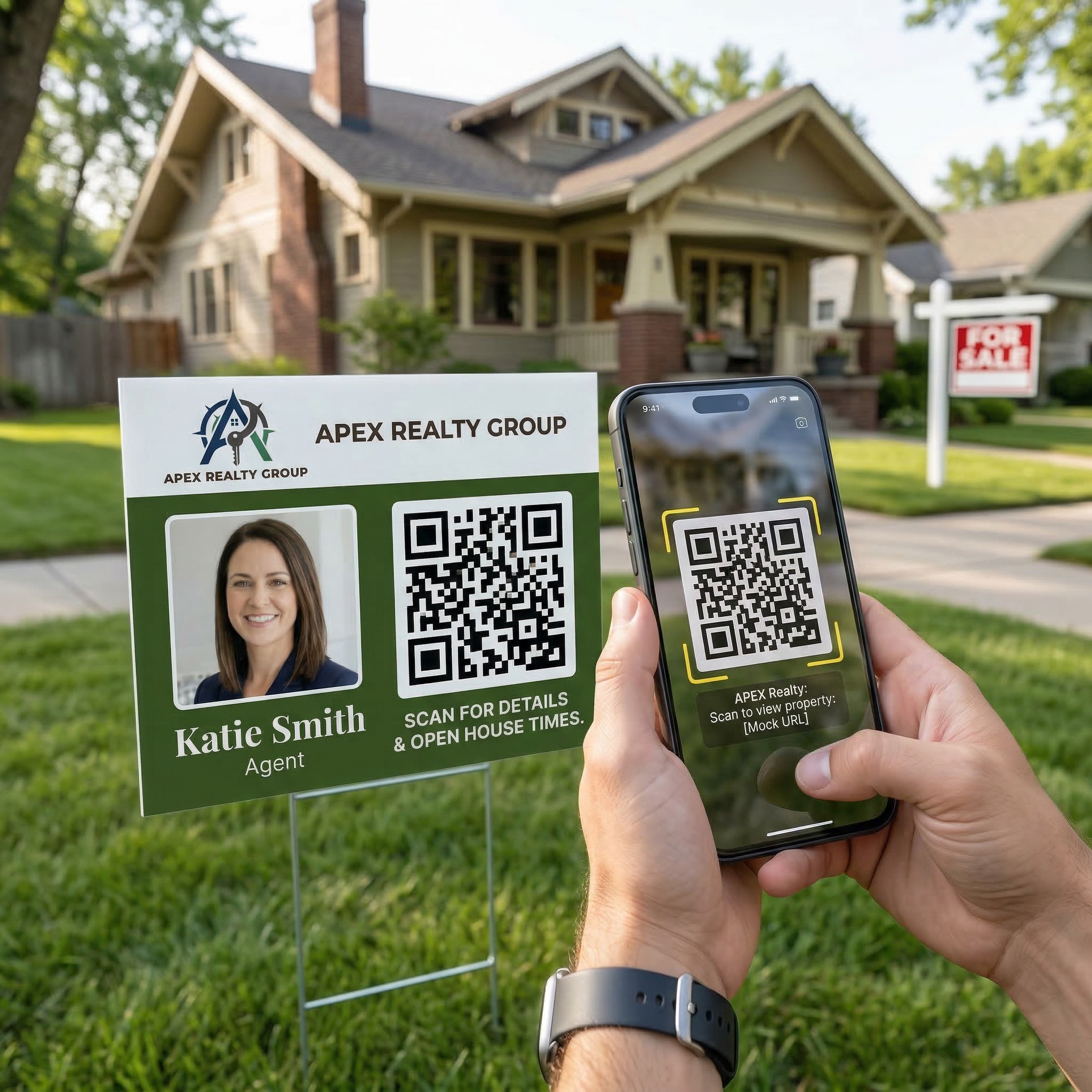
- Yard signs
- Paper business cards
- Email signatures
- Social media posts
- Mailers and postcards
No reprinting. No new codes. Update once, it's live everywhere.
Track What's Working
Paper flyers give you zero data. You print 50, hand them out, and hope for the best. A QR code that links to a digital contact page gives you analytics: how many people scanned, what device they used, and when. If you handed out flyers at two open houses last weekend and one got 30 scans while the other got 3, you know which neighborhood is generating interest — and which flyer design is actually working.
How to Get Your QR Code
If you already have a digital contact page with a QR code, download it and add it to your flyer template. If you don't have one yet, vCard Garden includes a free downloadable QR code with every page — PNG, SVG, or PDF, ready to drop into Canva, Word, or whatever you use to design your flyers.
Start your free 14-day trial — have your QR code ready before your next open house.