How to Follow Up After a Networking Event (Without Losing Contacts)
February 28, 2026 • Updated 1 day, 4 hours ago
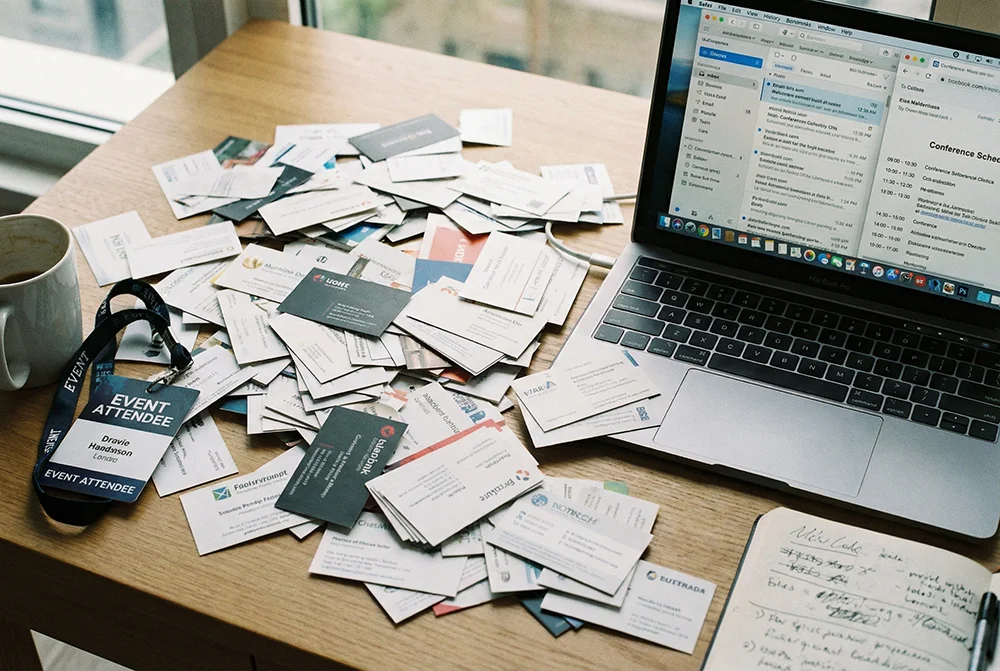
You went to the event. You shook hands, exchanged cards, had great conversations. You left feeling like you made real connections. Then life happened. Two days later, you're staring at a stack of business cards on your desk and you can't remember which name goes with which conversation. A week later, the cards are in a drawer. A month later, those connections are gone.
This is the dirty secret of networking: the event itself is only half the job. The follow-up is where relationships actually start. And most people never do it — or they wait so long that the moment has passed.
The problem isn't laziness. It's that the system most people use for capturing contacts at events is fundamentally broken. Paper cards get lost. Names get forgotten. Good intentions get buried under the next week's workload.
Here's how to build a follow-up system that actually works — so the connections you make at your next event turn into real professional relationships.

Why most networking follow-ups fail
Before we get into the solution, it helps to understand why the default approach falls apart so consistently.
Paper business cards create a bottleneck. You collect 15 cards at a conference. Each one needs to be manually entered into your phone or CRM. That's 15 names, 15 emails, 15 phone numbers, 15 companies. Most people look at that pile, think "I'll do it later," and later never comes.
Context disappears fast. You remember the conversation vividly on the drive home. By Wednesday, details start to blur. By the following Monday, you're looking at a card that says "Sarah Chen, Marketing Director" and you can't remember if she was the one interested in your product or the one who recommended that podcast. Without context, your follow-up email becomes generic — and generic follow-ups get ignored.
The 48-hour window closes quickly. Research consistently shows that the value of a networking connection drops sharply after 48 hours. Not because the person forgets you exist, but because the emotional momentum of the conversation fades. A follow-up on day one feels natural. A follow-up on day ten feels random.
There's no system. Most people treat networking follow-up as a vague intention rather than a concrete process. They don't have a specific time blocked to do it, a template ready to personalize, or a tool that makes it fast. So it competes with every other task on the to-do list — and it loses.
Step 1: Capture contacts digitally at the event (not after)
The single biggest improvement you can make to your networking follow-up is to stop relying on paper business cards as your primary capture method.
When someone hands you a paper card, the contact information exists in exactly one place: that physical card. If you lose it, spill coffee on it, or just forget whose card is whose — the connection is gone.
When you capture contacts digitally at the event, the information goes directly into the person's phone. No manual entry later. No cards to sort through. No bottleneck.
There are several ways to do this:
Share a digital vCard via QR code. This is the fastest method. You pull up a QR code on your phone (or have it printed on your card), the other person scans it, and your complete contact details — name, phone, email, company, website, social links — save directly to their phone. One scan, done. No typing. For the full setup, see our guide on sharing contact info with a QR code.
Share a digital business card link. If the QR code moment doesn't happen naturally, you can text or AirDrop your digital card link. Services like vCard Garden give you a shareable URL that opens a polished digital business card. The person taps "Save Contact" and you're in their phone.
Use NFC. If you have an NFC-enabled business card or phone tag, a quick tap transfers your contact info. It's fast and impressive, though not everyone is familiar with the technology yet. We compared the options in our NFC vs QR code business cards breakdown.
The key principle: get your contact info into their phone before the conversation ends. Don't rely on paper. Don't rely on "I'll look you up on LinkedIn later." Make it happen in the moment, while you're standing in front of each other.
And here's the bonus: when they scan your QR code or save your digital card, you don't need to keep track of their info either. They already have yours. The follow-up can now flow in both directions without anyone doing data entry.
Step 2: Add context notes immediately
This is the step that separates people who are good at networking from people who are great at it.
Right after a meaningful conversation — while you're still at the event, ideally within minutes — open your phone and jot down a quick note about the person. It doesn't need to be long. Two or three lines is enough.
What to capture:
What you talked about. "Discussed her company's expansion into European markets. She's looking for logistics partners."
What they need or are interested in. "Wants an intro to someone in supply chain. Mentioned struggling with their current CRM."
Any personal details. "Just got back from Japan. Has a daughter starting college in the fall."
What you promised. "Said I'd send her that article about warehouse automation."
These notes are gold when you sit down to write your follow-up email. Instead of a generic "great meeting you," you can reference the specific conversation — which immediately signals that you were paying attention and that you value the connection.
You can use any notes app on your phone. Some people create a dedicated note for each event. Others add notes directly to the contact entry in their phone. The method doesn't matter as long as you do it at the event, not two days later when the details have faded.
Step 3: Send your follow-up within 24 hours
The timing of your follow-up matters more than most people realize. Within 24 hours is ideal. Within 48 hours is acceptable. Beyond that, the connection starts to cool and your message is competing with everything else that's happened in their life since the event.
Your follow-up doesn't need to be long or complicated. In fact, shorter is almost always better. Here's a structure that works:
Reference the specific conversation. "It was great talking with you about your European expansion plans at the conference yesterday." This immediately reminds them who you are and signals that the message isn't a mass email.
Deliver on any promises. If you said you'd send an article, make an introduction, or share a resource — do it in this email. Following through on small promises is one of the fastest ways to build trust with a new contact.
Suggest a next step. This doesn't have to be aggressive. It can be as simple as: "I'd love to continue the conversation. Would you be open to a quick coffee or call sometime next week?" Or: "If you'd like to connect on LinkedIn, here's my profile." Give them a clear, low-pressure way to continue the relationship.
Keep it short. Three to five sentences is the sweet spot. You're not writing a proposal. You're reminding them that the conversation happened and opening the door for more.
If you met a lot of people, prioritize. You don't need to send a deeply personalized message to every person you exchanged a sentence with. Focus your best follow-up energy on the five to ten connections that have the most potential — and send a shorter, lighter message to the rest.
Step 4: Make it easy for them to remember you
Your follow-up email is only effective if the recipient can quickly place who you are. This is where having a professional digital presence pays off.
When your email includes a link to your digital business card, the recipient can instantly see your photo, job title, company, and contact details — all in one clean page. It's a visual reminder that reinforces the in-person connection.
This is far more effective than a plain text email signature with just your name and phone number. A digital card with your photo triggers visual memory. They see your face and think, "Right, that's the person I talked to about logistics."
If you're using vCard Garden, your digital card link works perfectly in email signatures and follow-up messages. The recipient can view your full card, save your contact info, and connect with you on social media — all from one link. For more on setting this up, read our guide on creating a digital vCard for professional networking.
Step 5: Organize and maintain your network
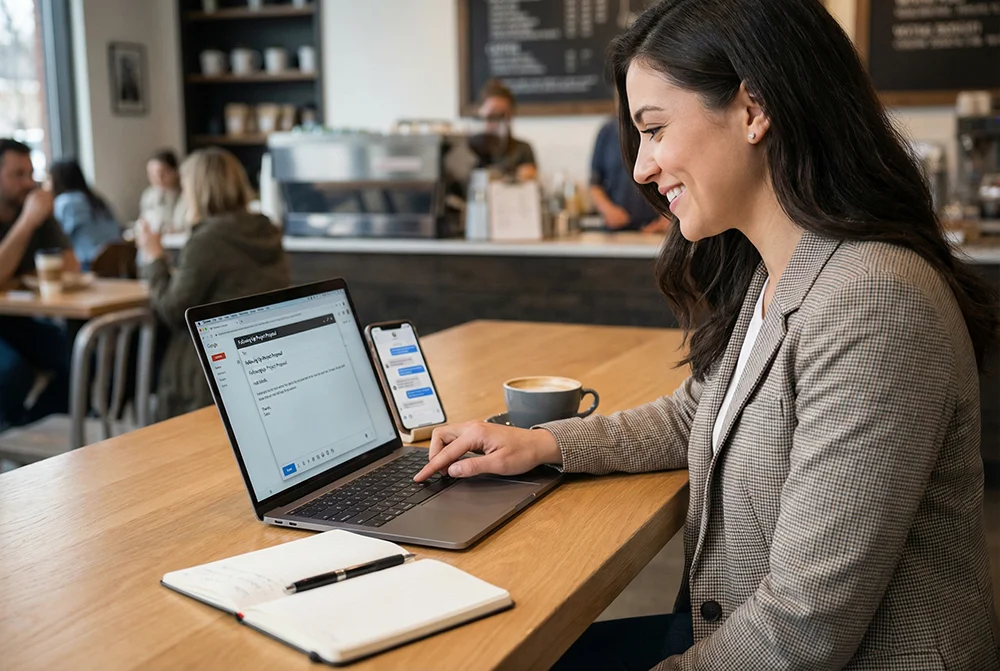
Following up once is a good start. But the real value of networking comes from maintaining connections over time. The people you meet at one event could become clients, collaborators, referral sources, or mentors months or years later — but only if you stay on their radar.
Keep your contact info current. If you change jobs, get a new phone number, or update your email — your digital business card should reflect that immediately. With a service like vCard Garden, you update your card once and everyone who has your link automatically sees the new info. No need to re-send anything. Compare that to the hundreds of paper cards floating around with your old phone number on them.
Engage periodically. You don't need to send monthly check-in emails to everyone in your network. But a few small touchpoints go a long way: congratulating someone on a promotion you saw on LinkedIn, sharing an article relevant to a conversation you had, or sending a quick "thinking of you" message when something reminds you of them. These small gestures keep the relationship warm without being pushy.
Use tags or categories. If your network is growing, consider organizing contacts by where you met them, what industry they're in, or what kind of relationship you have. This makes it much easier to find the right person when an opportunity comes up — "Who was that supply chain consultant I met at the Denver conference?"
Review before your next event. Before you attend another networking event, spend 10 minutes reviewing your contacts from the last one. Are there people you meant to follow up with but didn't? Is anyone going to the same event? A quick pre-event message like "I see you're going to the conference next week — would love to catch up in person" turns a cold contact into a warm one.
The complete networking follow-up checklist
Here's the full system in a format you can reference before your next event:
Before the event:
- Set up your digital business card with current contact info, photo, and social links.
- Make sure your QR code is accessible on your phone (saved to photos or as a widget).
- Review contacts from previous events — is anyone attending who you should reconnect with?
During the event:
- Share your contact info digitally (QR code, link, or NFC) during conversations.
- After each meaningful conversation, jot down context notes on your phone.
- Note any promises you made (intros, articles, resources to share).
Within 24 hours after:
- Review your notes and prioritize your top 5–10 connections.
- Send personalized follow-up messages referencing your specific conversation.
- Deliver on any promises you made.
- Include your digital card link for easy reference.
Within the first week:
- Send lighter follow-ups to remaining contacts.
- Connect on LinkedIn with a personalized note.
- Add context tags or categories to your contacts for future reference.
Ongoing:
- Keep your digital card updated so your link always shows current info.
- Engage periodically with valuable touchpoints.
- Review your network before the next event.
Get started
The best follow-up starts before the event — with a digital business card that makes sharing your contact info instant. Create your free vCard Garden card and have your QR code and shareable link ready before your next networking event.
When every person you meet has your contact info saved to their phone before the conversation ends, the follow-up becomes easy. No lost cards. No forgotten names. No connections that slip away.
Start your free trial — create your digital business card in under 5 minutes.