Digital Business Card vs Paper Business Card (Which Works Better?)
April 09, 2026 • Updated 6 months ago
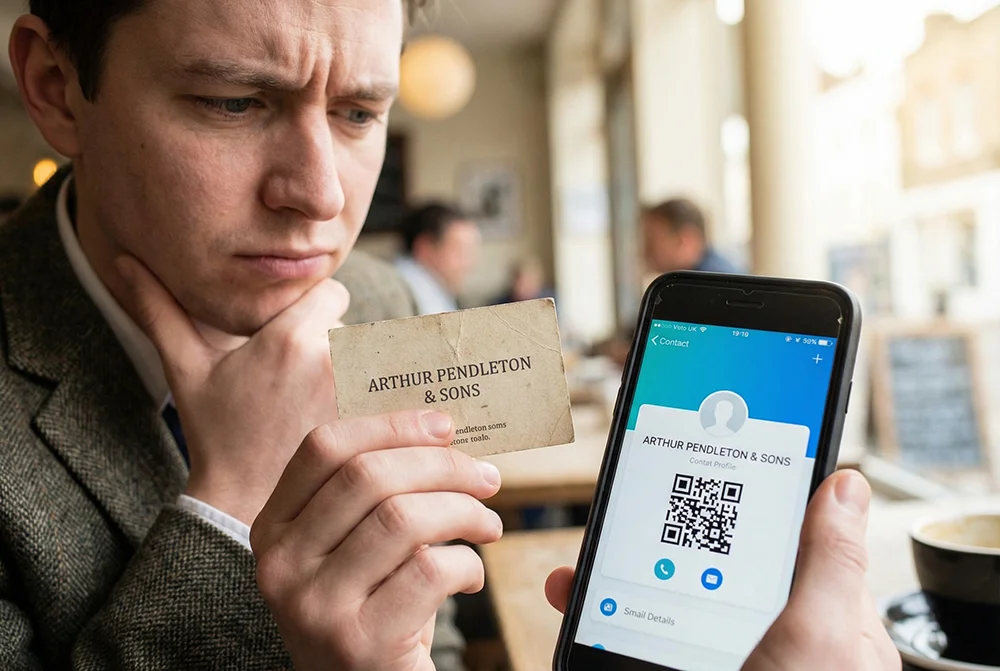
Paper business cards have been around forever. But most people don’t think about what happens after they hand one out.
Digital business cards solve a lot of those problems—but they’re not identical. If you’re deciding which to use, here’s a clear, real-world comparison.
What Is a Paper Business Card?
A paper business card is a printed card with your contact information. You hand it to someone in person, and they can keep it or manually save your details later.
It’s simple, familiar, and doesn’t require any technology.
What Is a Digital Business Card?
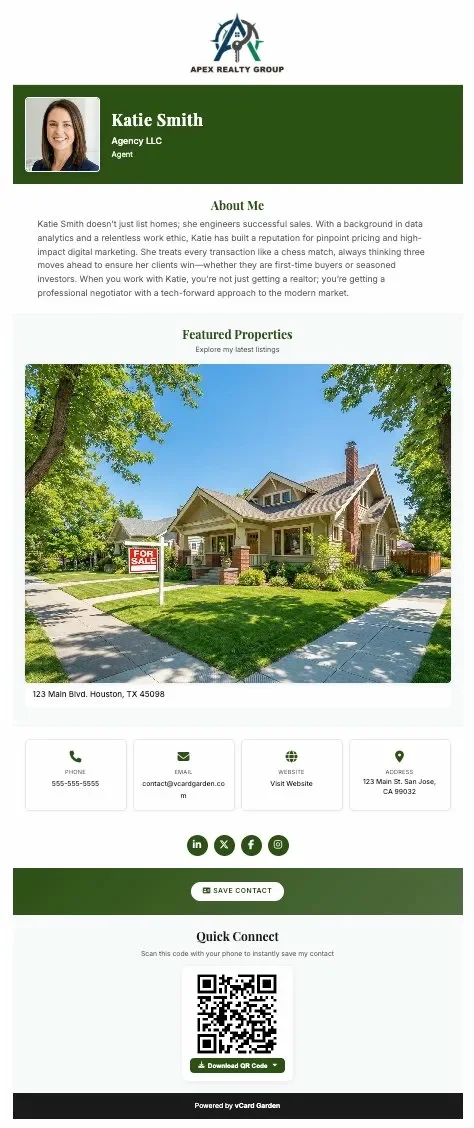
A digital business card is a shareable page that contains your contact details, links, and branding. You can send it by link, QR code, or text, and the other person can save your contact instantly.
Unlike paper cards, digital cards can be updated at any time without needing to resend anything.
Digital vs Paper Business Cards (Side-by-Side)
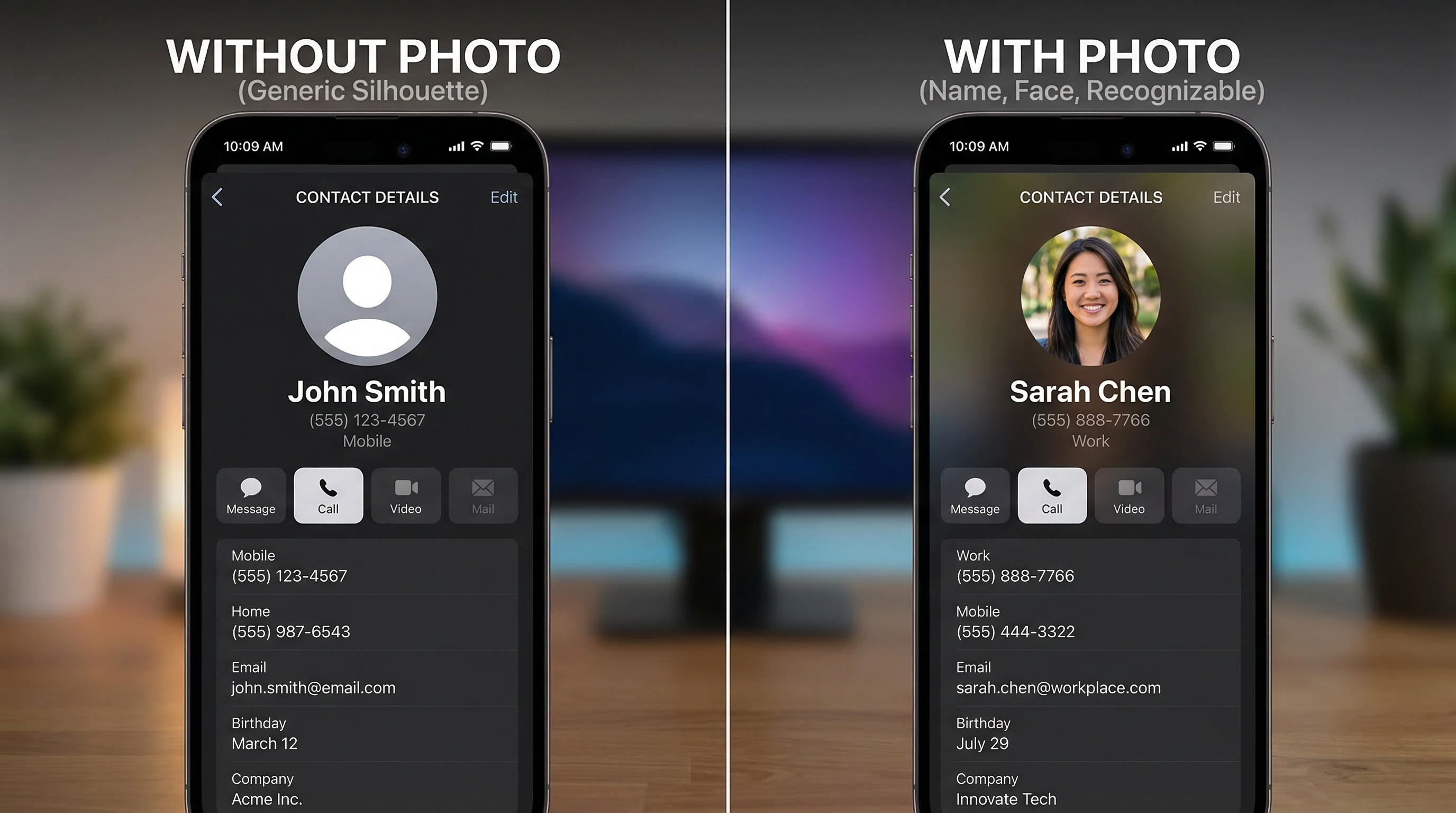
| Feature | Paper Business Card | Digital Business Card |
|---|---|---|
| Editable after sharing | ❌ No | ✅ Yes |
| Tracks views or clicks | ❌ No | ✅ Yes |
| Custom design & branding | ⚠️ Limited | ✅ Full control |
| Always up to date | ❌ No | ✅ Yes |
| Cost over time | ❌ Ongoing printing costs | ✅ One setup, reusable |
| How it’s shared | In person only | Link, QR code, text, email |
A paper card is static. A digital business card is a live page you can update anytime.
Cost Over Time
Paper business cards seem cheap upfront, but the cost adds up quickly. Every time your information changes, you need to reprint.
Paper cards over 3 years: Initial design ($75–$150) + first print run ($40–$80) + reprints after job changes or new numbers ($80–$160) + rush shipping for events ($25–$50). Total: $300–$700—and most of those cards end up in a drawer or the trash.
Digital card over 3 years: Most platforms cost $0–$10/month. Even at the higher end, that’s around $360 over three years—with unlimited sharing, instant updates, tracking, and zero waste.
With a digital business card, you create it once and update it anytime without additional printing costs.
When Paper Business Cards Fail
- People lose them or throw them away
- Contacts have to be entered manually
- Information becomes outdated quickly
- You have no idea if someone actually followed up
Once a card is printed, it’s locked. If anything changes, you start over. We covered the follow-up problem in detail in our guide on how to follow up after a networking event.
When Digital Business Cards Win
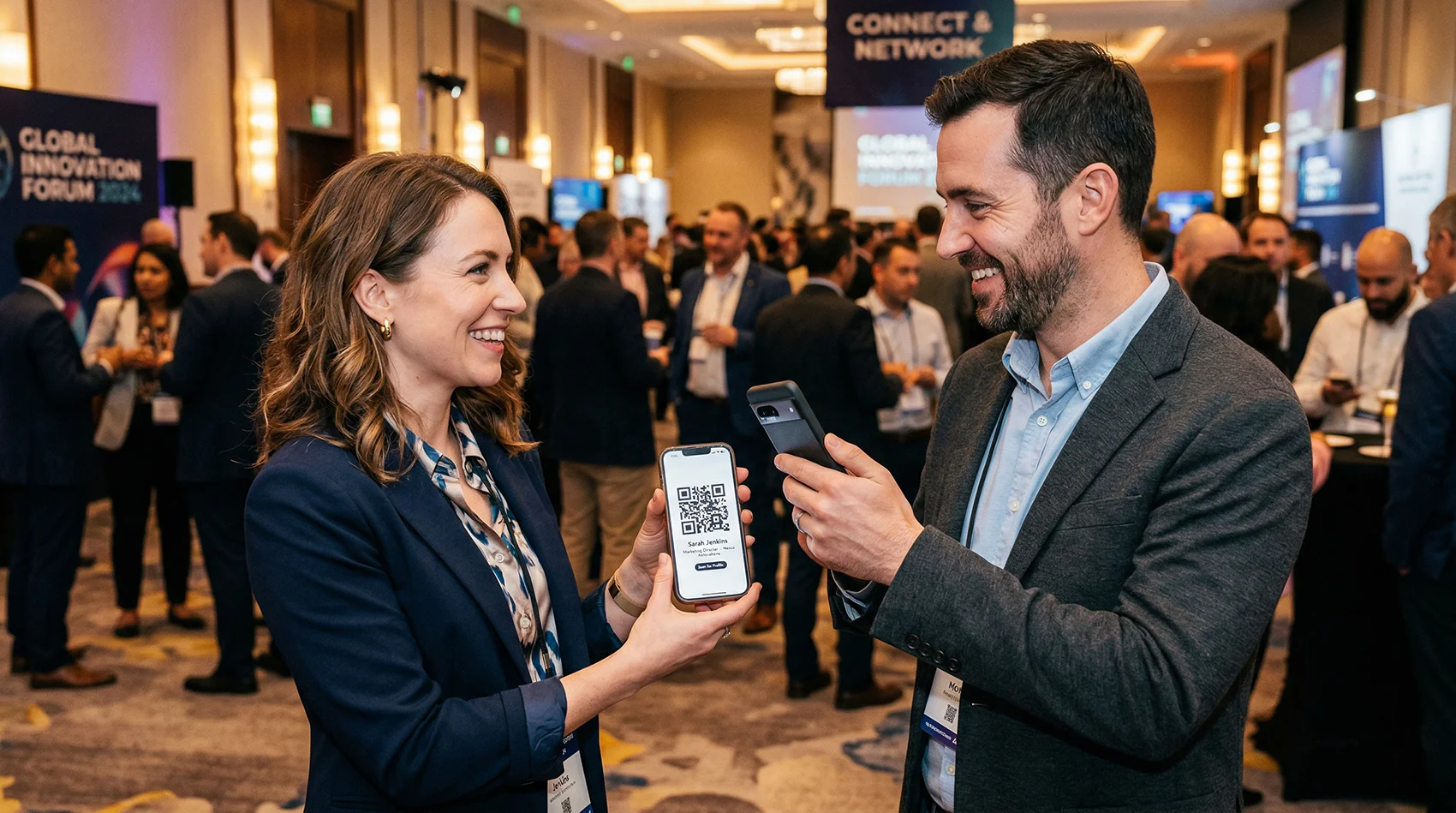
- Networking events where you want fast contact saving
- Sharing your info remotely (text, email, social)
- Situations where your details change often
- When you want to track engagement or interest
Digital cards remove friction. One tap saves everything. For a comparison of the main sharing methods, see our guide on NFC vs QR code business cards.
Can You Use Both?

Yes. Some people still hand out paper cards but include a QR code that links to a digital version.
This gives you the familiarity of paper with the flexibility of digital. The paper card makes the first impression. The QR code makes the contact actually stick.
Why Paper Business Cards Still Exist
Paper cards are familiar and expected in some industries. In certain business cultures—particularly in Japan, South Korea, and parts of Europe—exchanging a physical card is a ritual with specific etiquette. In those contexts, not having one can be seen as unprofessional.
But most people now follow up digitally, which is where paper cards start to fall short.
Final Verdict
Paper business cards still work, but they’re limited. They’re static, easy to lose, and can’t be updated.
Digital business cards are more flexible, easier to share, and stay up to date without reprinting anything.
If you want something that actually works long-term, digital is the better option.
Ready to make the switch?
Create your digital business card in under 5 minutes. Free for 14 days, no credit card required.
Create Your Digital Business Card →Related Resources
- How to Follow Up After a Networking Event (Without Losing Contacts)
- How to Create a Digital vCard for Professional Networking
- How to Share Your Contact Info with a QR Code
- NFC vs QR Code Business Cards: Which Is Better?
- Digital Business Card for Realtors: Why Every Agent Needs One
- What is a vCard? (And Why It’s Being Replaced)