How to Add Your Digital Business Card to Your Phone's Home Screen
Open your digital business card, save its QR code as an image, and display it on your phone's home screen. When someone asks for your contact information, show them your phone and let them scan it.
Show me how I need a card firstTakes about two minutes. Works on iPhone and Android.

How to Put Your QR Code on Your Home Screen
This is what you'll end up with: your QR code, first thing on your phone.
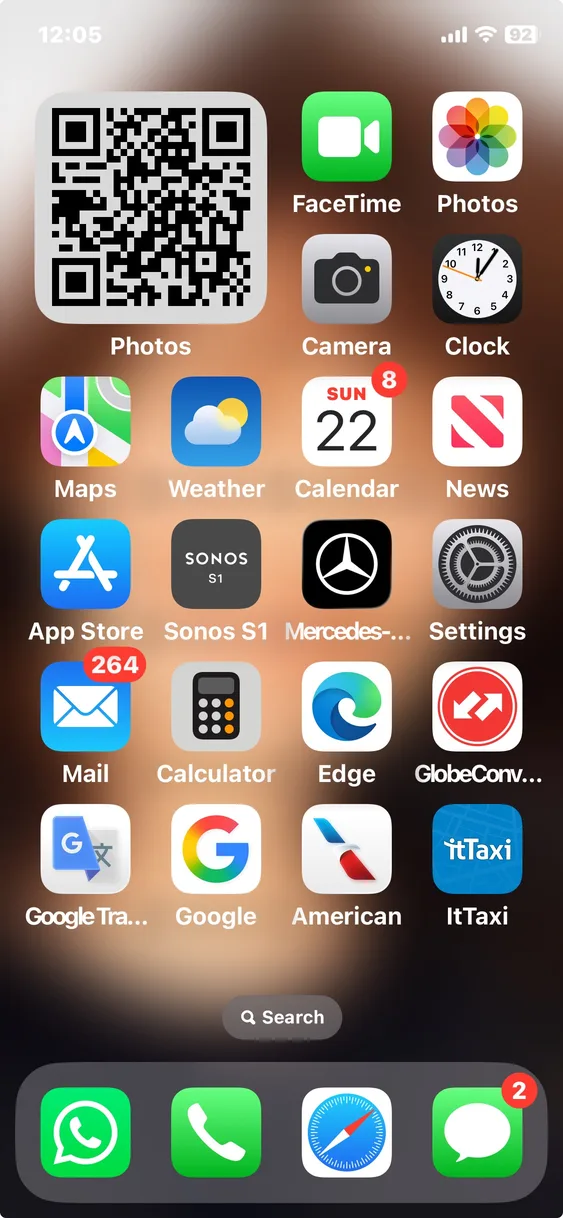
A vCard Garden QR code as an iPhone widget.
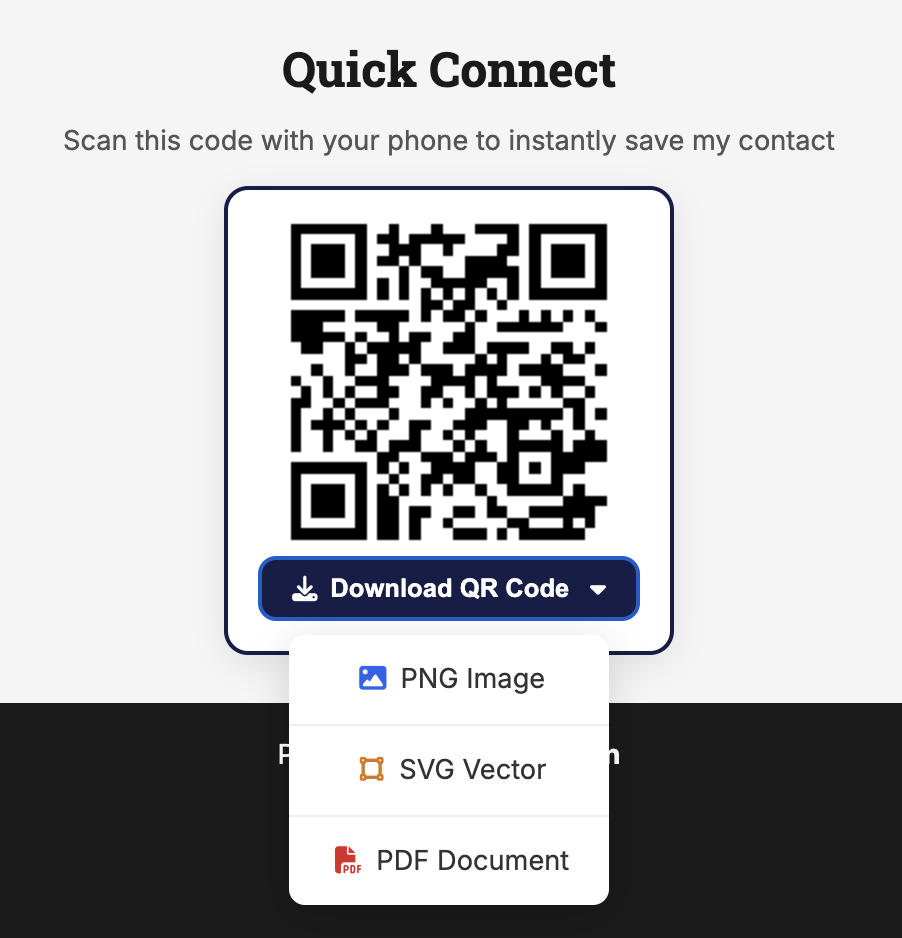
This is the QR code you'll save
It's on your card under Quick Connect. On a phone, press and hold the code itself. That's easier than the Download button.
iPhone
iOS 17 or later. No extra app needed.
- Open your vCard Garden business card in Safari.
- Scroll down to Quick Connect.
- Press and hold the QR code and tap Save to Photos (some iPhones say Add to Photos).
- Open Photos and create an album called My QR Code. Add only your QR code image.
- Press and hold an empty area of your home screen.
- Tap Edit, then Add Widget, then Photos. (On iOS 17, tap the + button instead.)
- Swipe to the Album widget and pick a square size, small or large.
- Tap Add Widget, then tap Done. Now press and hold the new widget, tap Edit Widget, and choose your My QR Code album.
Use a square size. The wide size crops the QR code and it won't scan.
Android
Samsung Galaxy: no extra app needed.
- Open your vCard Garden business card in Chrome.
- Scroll down to Quick Connect.
- Press and hold the QR code and tap Download image.
- Samsung Galaxy: press and hold the home screen, tap Widgets, add the Gallery widget, and pick only your QR code image.
- Other Android phones: install the free Material Photo Widget app, create a new widget, pick your QR code image, and tap Add to home screen.
Keep the widget square. A wide widget crops the QR code and it won't scan.
Last step: ask someone to scan your QR code with their phone camera to make sure it opens your business card.
No card yet?
Build one in about two minutes and get your QR code today. 14 days free. No credit card.
What happens when they scan it
Not just a phone number. A whole page about you.
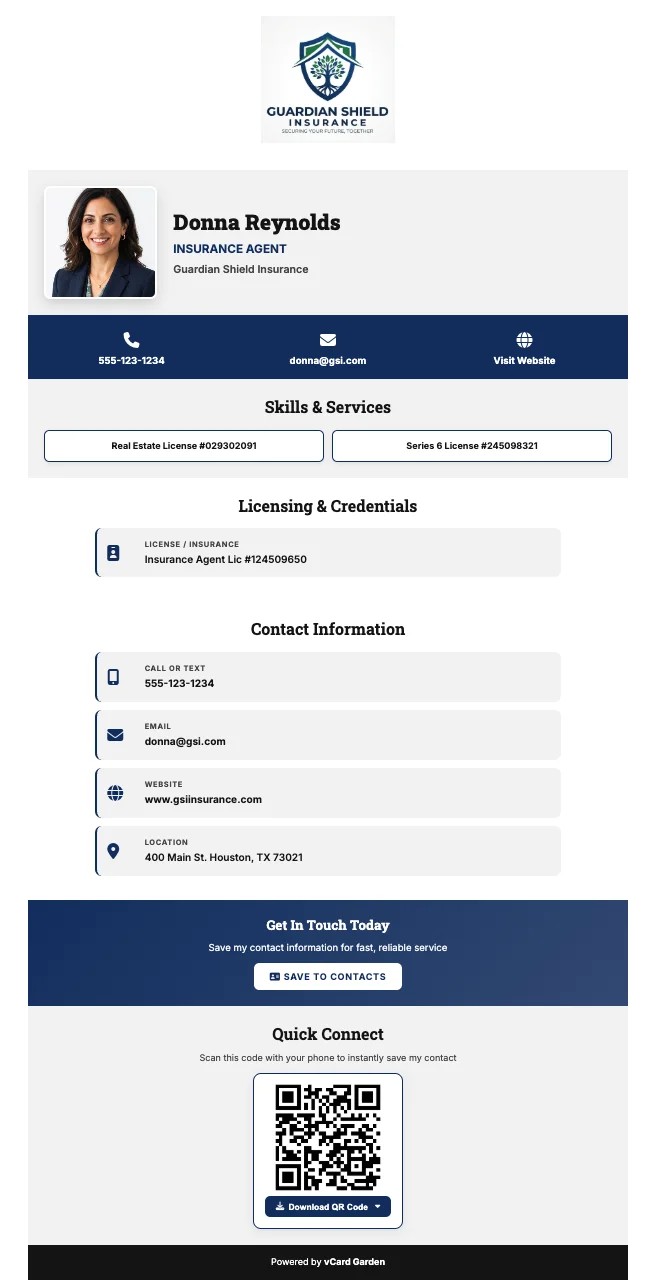
They tap Save Contact
Your name, number, email, photo and company go straight into their contacts. No typing.
Your QR code stays the same
Update your contact information as often as you like. The same code opens the new version, so you set the widget up once.
Track when and where people view your card
Every view is logged with the time and city.
Works on their phone, whatever it is
iPhone or Android, their camera reads it. They don't need an app.
Paper card or phone card?
You always have your phone. You don't always have a card.
Paper business card
✗ Runs out at the worst moment
✗ Gets lost in a pocket or a car
✗ Wrong the day your number changes
✗ They have to type it all in
✗ No idea if anyone looked at it
QR code on your home screen
✓ Always in your pocket
✓ On screen as soon as you unlock
✓ Update your details any time
✓ They tap Save Contact
✓ See when and where it's viewed
Frequently Asked Questions
The usual problems, and the fix.
I can't save the QR code
Take a screenshot instead, then crop it around the QR code. Leave the white border around the code intact so it still scans.
The widget shows random photos, not my QR code
Either the widget isn't set to your album yet, or you added the Featured Photos widget instead of the Album widget. Press and hold the widget and tap Edit Widget. If you can choose an album, pick My QR Code. If you can't, remove the widget and add the Album widget instead.
The QR code is cut off in the widget
You picked the wide size. Remove the widget and add it again in a square size.
Can I put a business card on my iPhone without Apple Wallet?
Yes. The steps above use the built-in Photos widget, no Wallet needed. If you want Wallet anyway, see our Apple Wallet business card guide.
Do I need an app to use a digital business card?
No. A vCard Garden digital business card is a web page. The person who scans your code doesn't need an app either.
If I change my card, do I need a new QR code?
No. The QR code points to your card's page, so it always shows your latest details.
Your card, one look away
Build it in two minutes. Put the QR code on your phone today.
Build my card free14 days free. No credit card. Plans from $9/month after — cancel anytime.